55
Advanced
Features
for calls
list. Then
to get each
call's time
F37
Calling...
SONY
123-456-7890
C06
Viewing the Calls List [F37]
You can view Calls List entries easily.
1 Turn to select “Calls List” from the
Directory menu, then push
.
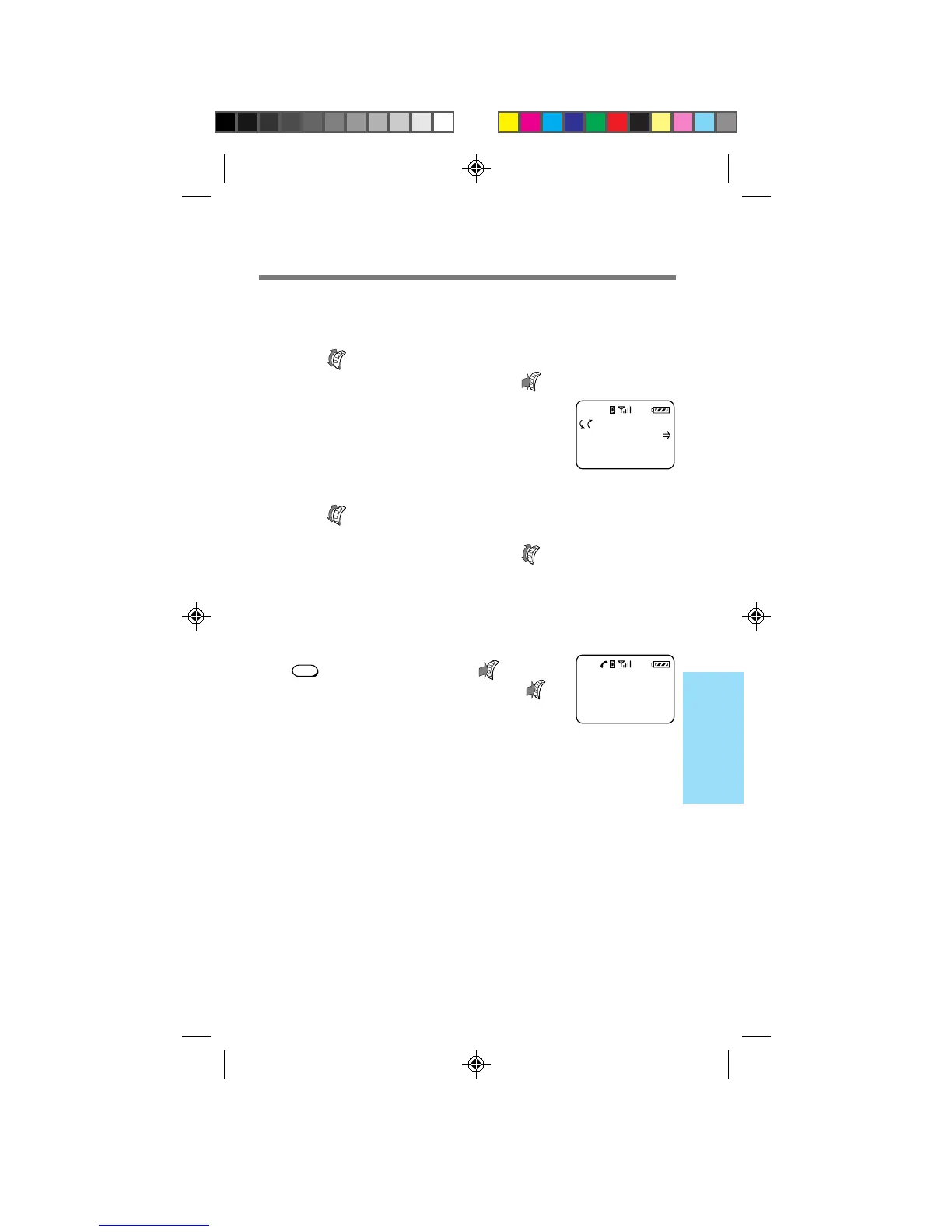
The following display appears,
allowing you to view the Calls List. If
the Calls List is empty, the display
shows the message “Calls List is
empty”.
2 Turn to view the Calls List entries.
The most recent entry is displayed first. To view the rest
of the ten most recent entries, turn .
Tip
You can also view the Calls List from the standby display (see page 36).
To place a call
Press
SEND
in step 2. You can also push to go to
the Options menu, then select “Send” and push
.
B2200 39-55draft3 8/21/98, 12:13 PM55



 To Next Page