61
Advanced
Features
Setting a new lock code [F52]
The lock code must be entered every time you want to unlock the phone
and also when you want to access restricted numbers.
1 Turn to select “New Code”
from the Security menu, then
push
.
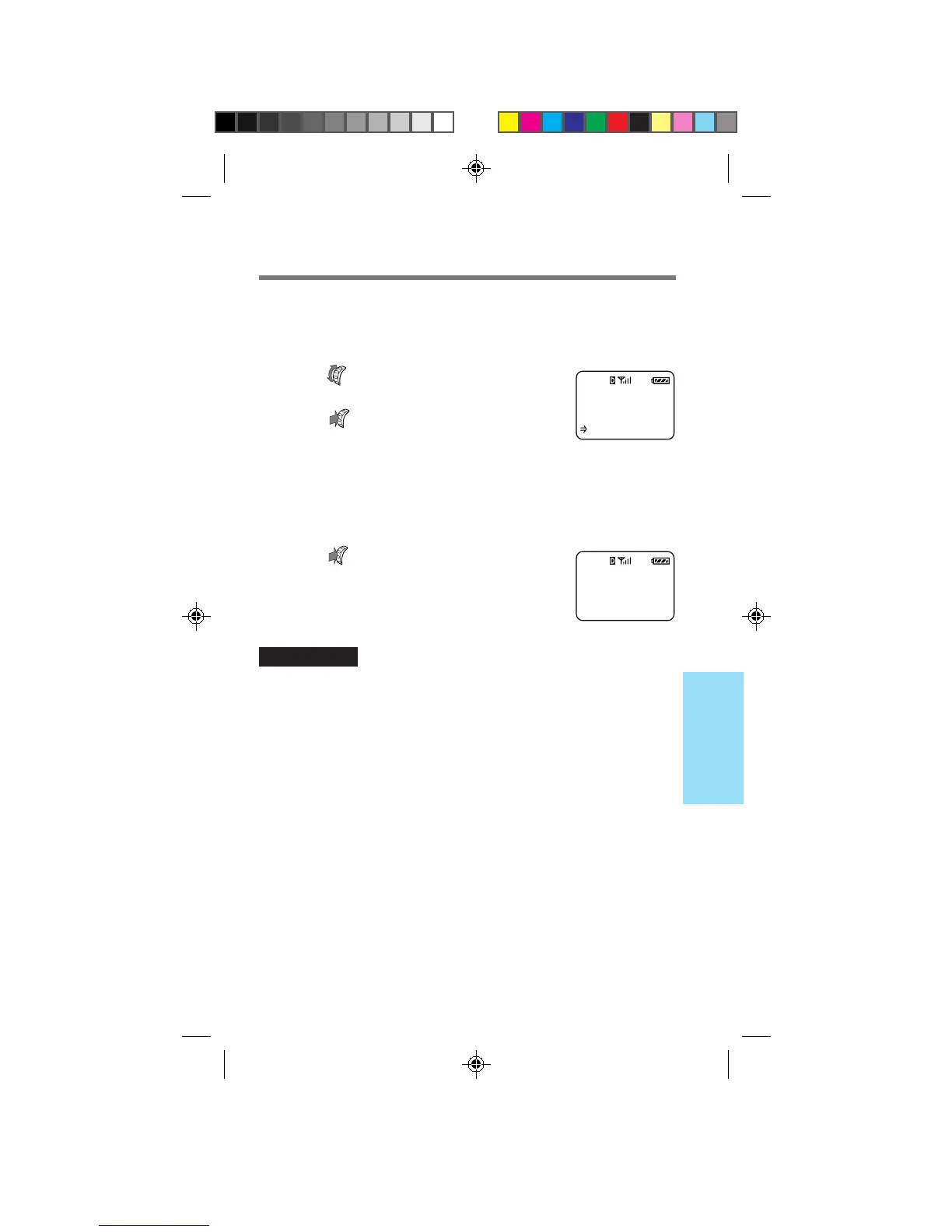
The Enter New Code display appears
prompting you to enter a new lock code.
2 Use the number buttons to enter a lock code.
The lock code must be exactly four digits long.
3 Push to store the new lock
code in memory.
A confirmation display appears.
IMPORTANT
Keep a record of your lock code. If you forget it, contact your service
provider.
New lock
code is
2345
F52
ENTER NEW
CODE:
----
:Save Code
F52
B2200 56-76draft3 8/21/98, 12:14 PM61



 To Next Page