79
Advanced
Features
3 To proceed to the next message, push
when you reach the end of the message.
The Options menu appears. To return to the standby
display, press
END
.
4 Turn to select “Next Msg”, then push .
The next message is displayed. If there
are no more messages, the Messages
display reappears.
To read old messages
1 From the Messages display, turn to select
“Old Text”, then push
.
A list of old messages is displayed. An asterisk (*)
indicates an urgent message. A lock icon ( ) indicates
that the message is locked (see page 80). If a number is
too long to fit, an ellipsis (...) is used.
2 Turn to scroll through the list of old
messages.
3 To read the selected message, push .
The selected message is displayed.
4 Turn to scroll through the message.
If you do not scroll, the display automatically scrolls
down to the end of the message, which is indicated with
a hollow box ( ).
5 When you have read the message, press
CLR
to return to the list of old messages.
To return to the Messages display, press .
To read the next message, push to go to the Options
menu, then select “Next Msg”.
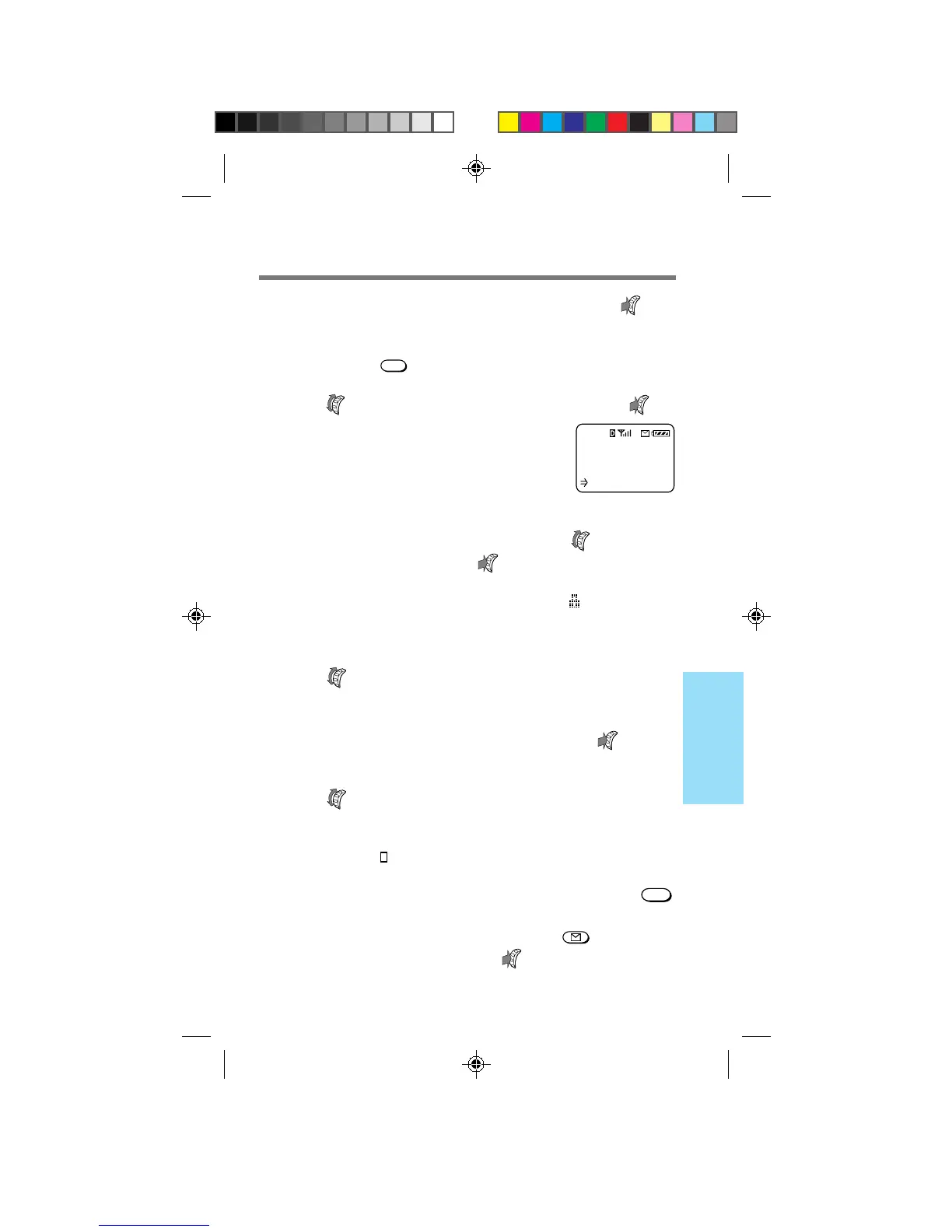
There are no
new text
messages.
:OK
B2200 77-84draft3 8/21/98, 12:14 PM79



 To Next Page