82
To erase a text message
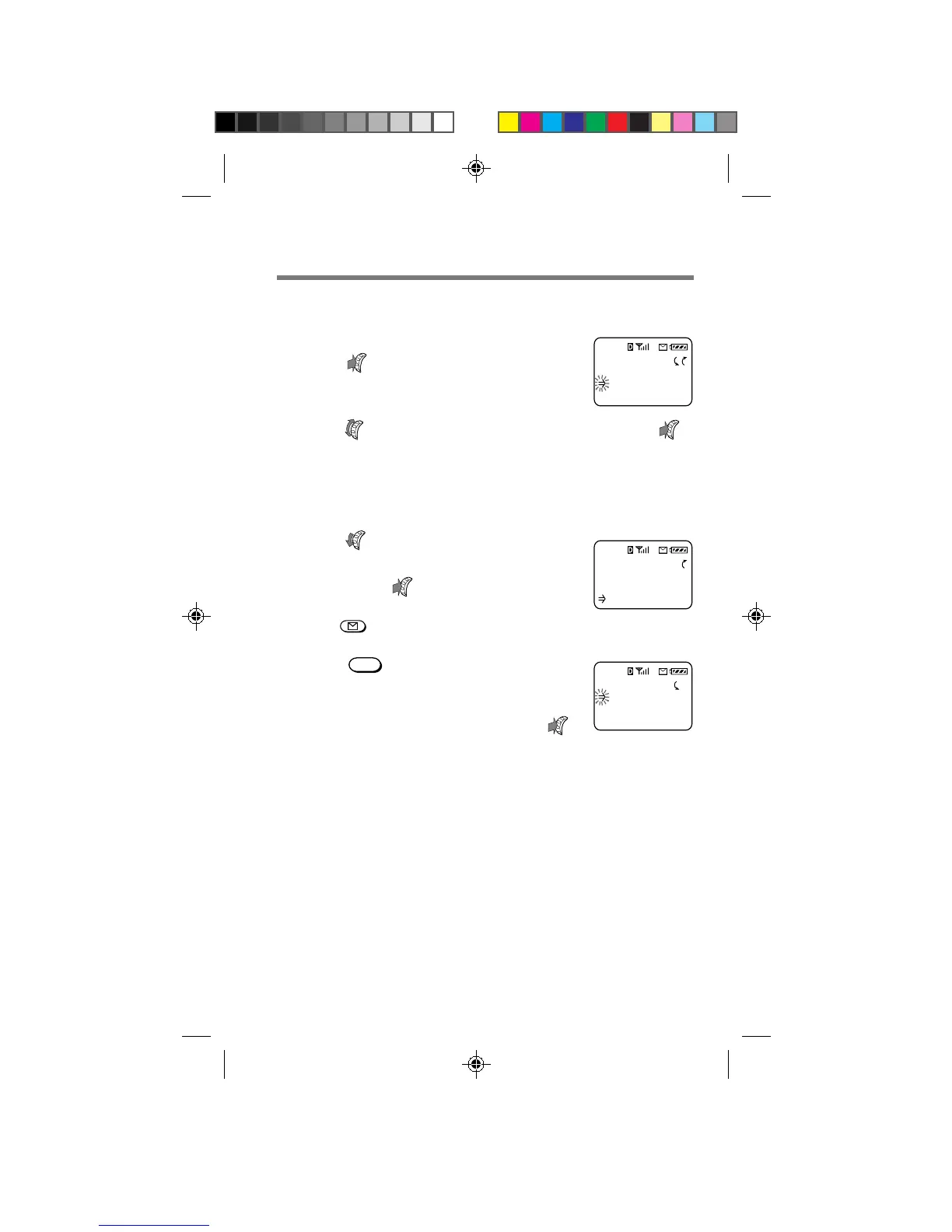
1 After reading a text message,
push
.
The Options menu appears.
2 Turn to select “Erase Msg”, then push .
The message is erased.
To erase all old text messages
1 Turn
–
down to select “Erase
Old” from the Messages display,
then push
.
If the Messages display is not shown,
press , then select “Erase Old”.
2 Press
1
to erase all old
messages.
To go back to the Messages display
without erasing the messages, push .
Erase old
text msgs?
1:Erase
:Quit
MESSAGES
15 Voice
3 New Text
0 Old Text
OPTIONS
Erase Msg
Send
Next Msg
B2200 77-84draft3 8/21/98, 12:15 PM82



 To Next Page