Tuner
masterpage:Right
filename[\\Nas-data-server\SONY Current jobs\SONY CMT-SE7\CMT-
SE7_GBCT\DTP\4248325112\424832511CMTSE7HK\GB10TUN-CEK.fm]
65
GB
model name [CMT-SE7]
[4-248-325-11(2)]
You can label each preset station with up to
12 characters (Station Name).
Open the lid before performing the following
operations.
1 Tune in the preset radio station you
want to label (see “Listening to the
radio” on page 64).
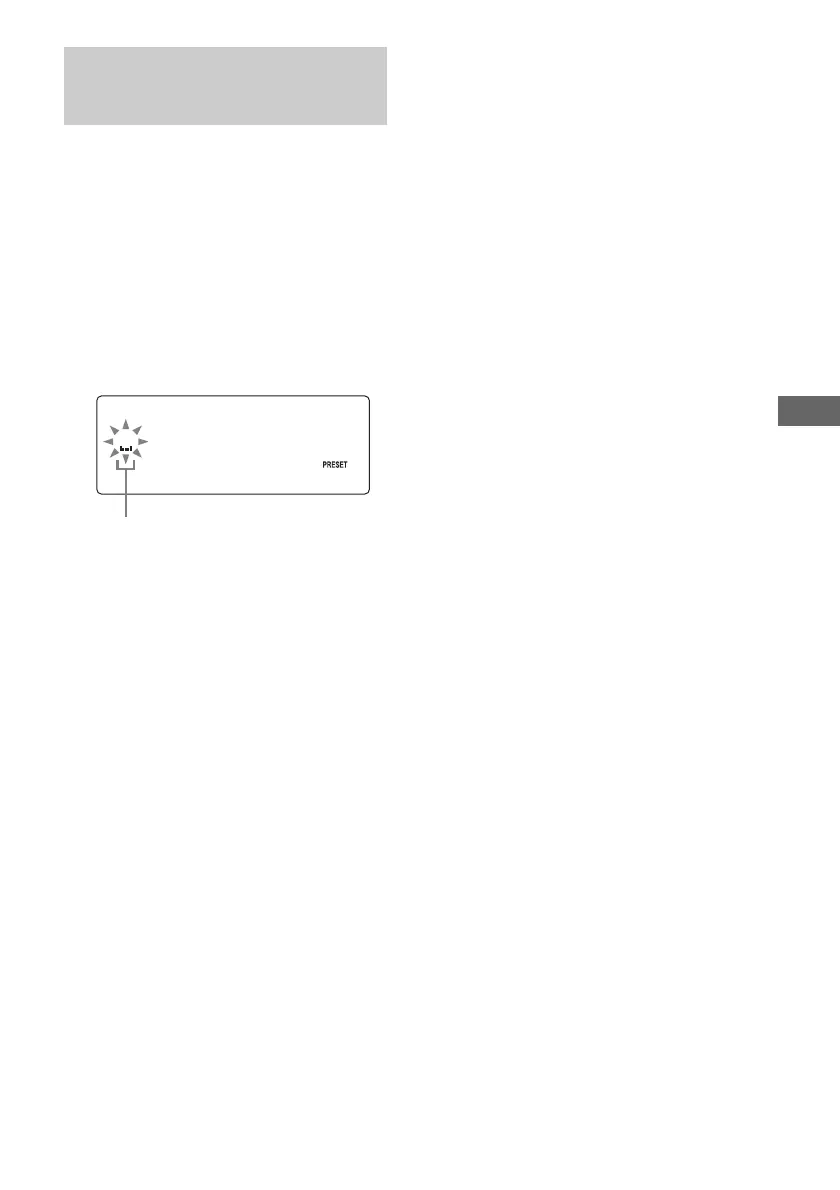
2 Press NAME EDIT/SELECT.
The cursor starts flashing.
3 Perform steps 3 to 6 of “Labelling an
MD/group/track” (page 50).
To cancel labelling
Press MENU/NO.
To erase the station name
1 Tune in the preset station you want to erase
the station name.
2 Press NAME EDIT/SELECT.
3 Press CLEAR repeatedly to erase the name.
4 Press ENTER/YES.
Note
If you operate this unit with the lid closed, “OPEN”
blinks in the front panel display. Open the lid and
confirm the displayed message before proceeding.
Labelling the preset
stations
—Station Name
Cursor


 To Next Page