155
155
COM-2.US.3-213-855-12(1)
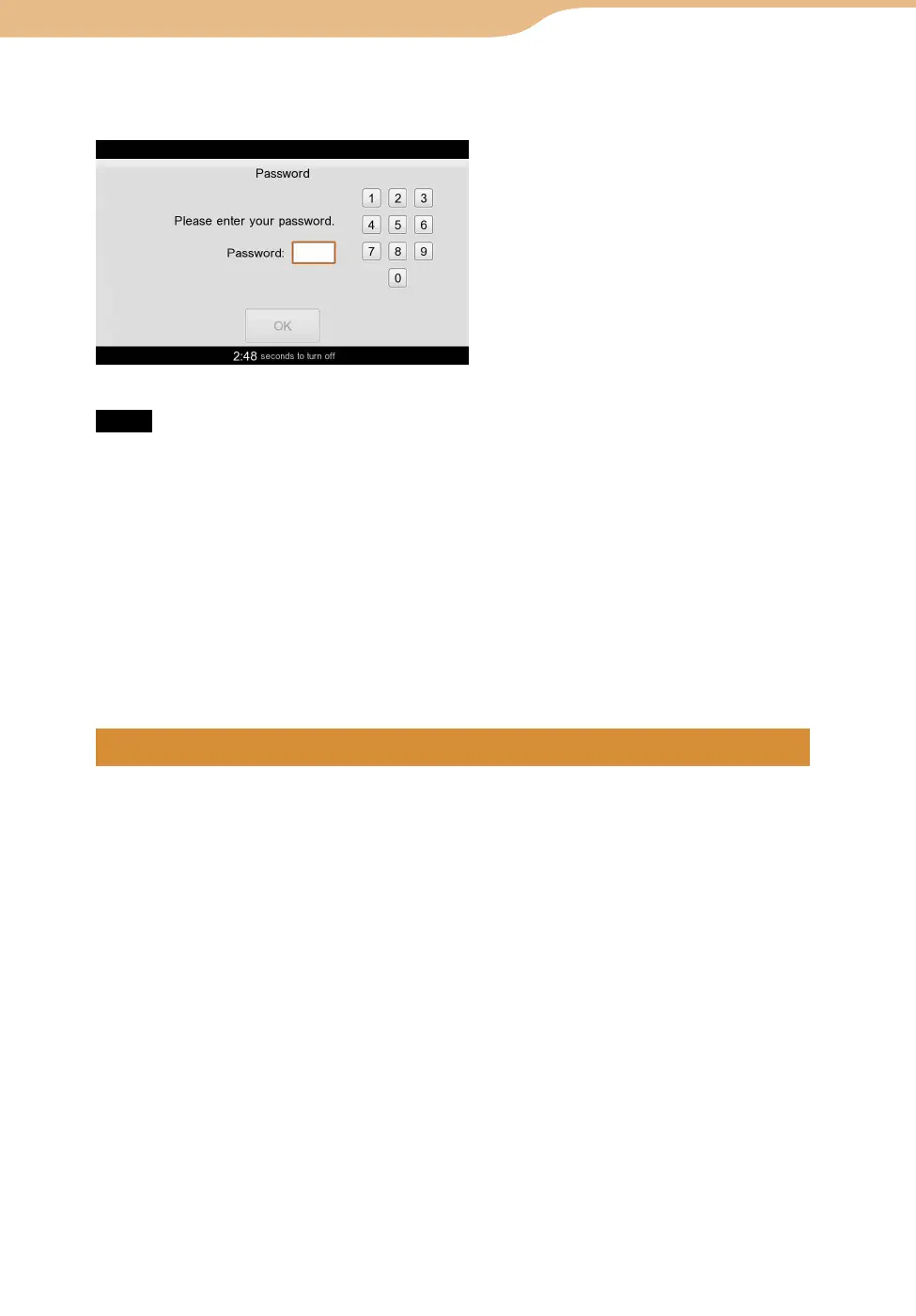
When you put a checkmark in the “Password Lock” checkbox, 4-digit password
input is required every time when the unit is turned on.
Note
When you charge the battery via the USB cable (supplied), input the password and unlock
the unit. Otherwise, charging will not start.
To register/change the password
On the Home menu, select “Tools” followed by “Settings,” and then select
“Password.”
Select “Change Password,” to register or change the password.
In case you forget the password
“Master Reset” should be performed to clear the password (
page 177).
Backing up the settings or content data in this unit
To back up the settings
On the Home menu, select “Tools” followed by “Settings,” and then select
“System.”
Select “Backup Settings” to start backing up.
Hints
The settings data are backed up in the following folders and file names.
Internal memory : \BACKUP\backup.mylob
Memory Stick : \MYLO\BACKUP\backup.mylob
This operation can back up the current system settings except for the password for Password
Lock, the input assist dictionary, mylo Widgets that are installed on the unit, the Wallpaper
photo, ID/Password and My Picture used with the Communication applications, such as
AIM, Cookies and Bookmarks and saved Password used with the Web browser, Connection
Manager Settings included Security Key information. To back up other data, such as music
files, see
page 156.
Transfer data by copying or moving the backup file (backup.mylob) to a
computer or storage media, for your data safekeeping.
Continued
Tools
··· Settings








 To Next Page