COM-2.US.3-213-855-11(1)
62
62
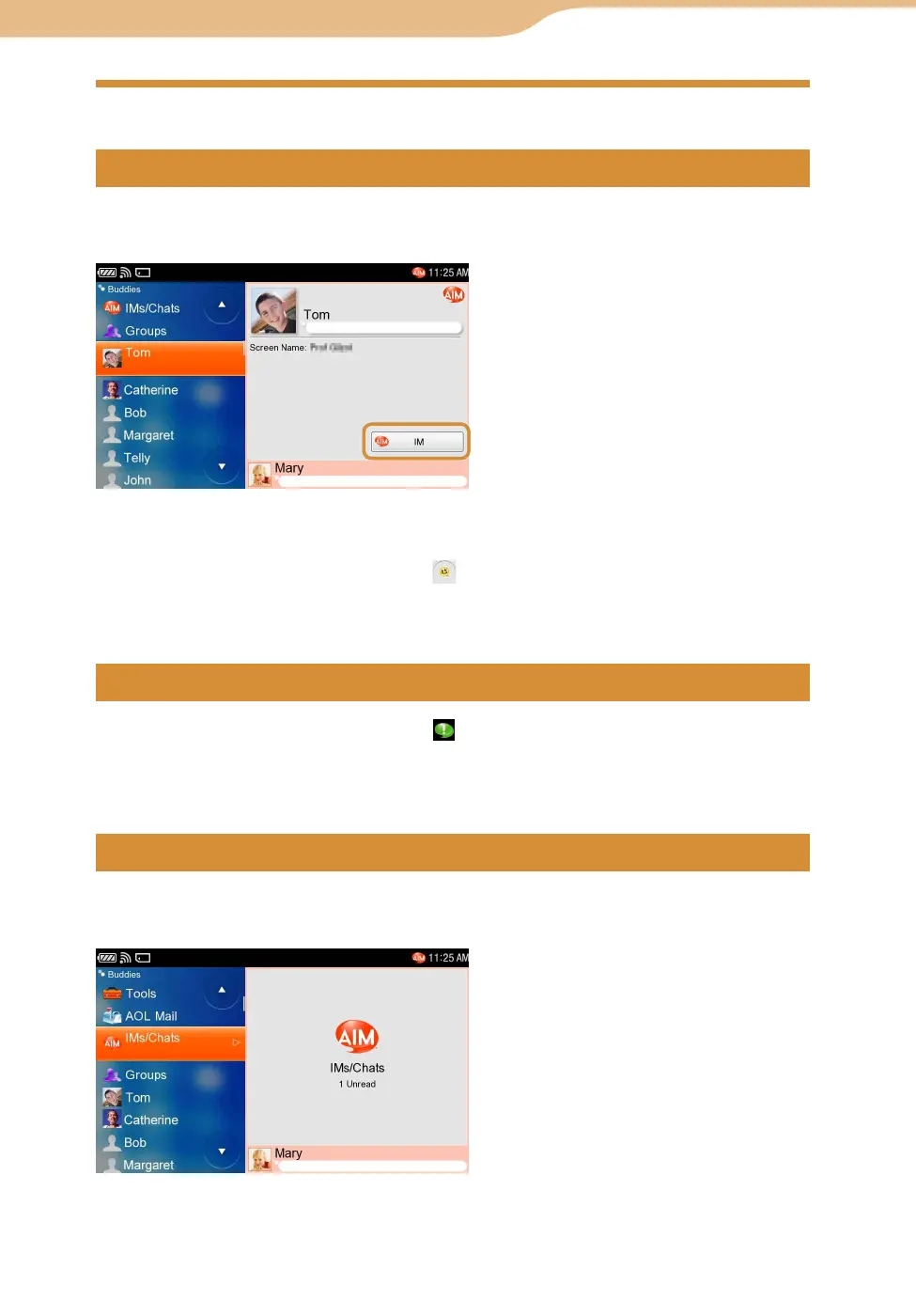
On the Buddies screen, select the Buddy you want to communicate with, and
then select “IM.”
To insert emoticons into messages, tap the on the screen, then select the emoticon you
want to insert from the emoticon dialog.
To insert a line feed, press the “Fn” key and then the “Enter” key.
When a Buddy sends a new message, blinks on the status bar of the display
(
page 59).
On the IMs/Chats screen, open the new message from your Buddy.
On the Buddies screen, select “IMs/Chats,” and then select the desired IM/Chat
you want to reopen.
Continued
AIM












 To Next Page