18
GB
Getting Started – BASIC –
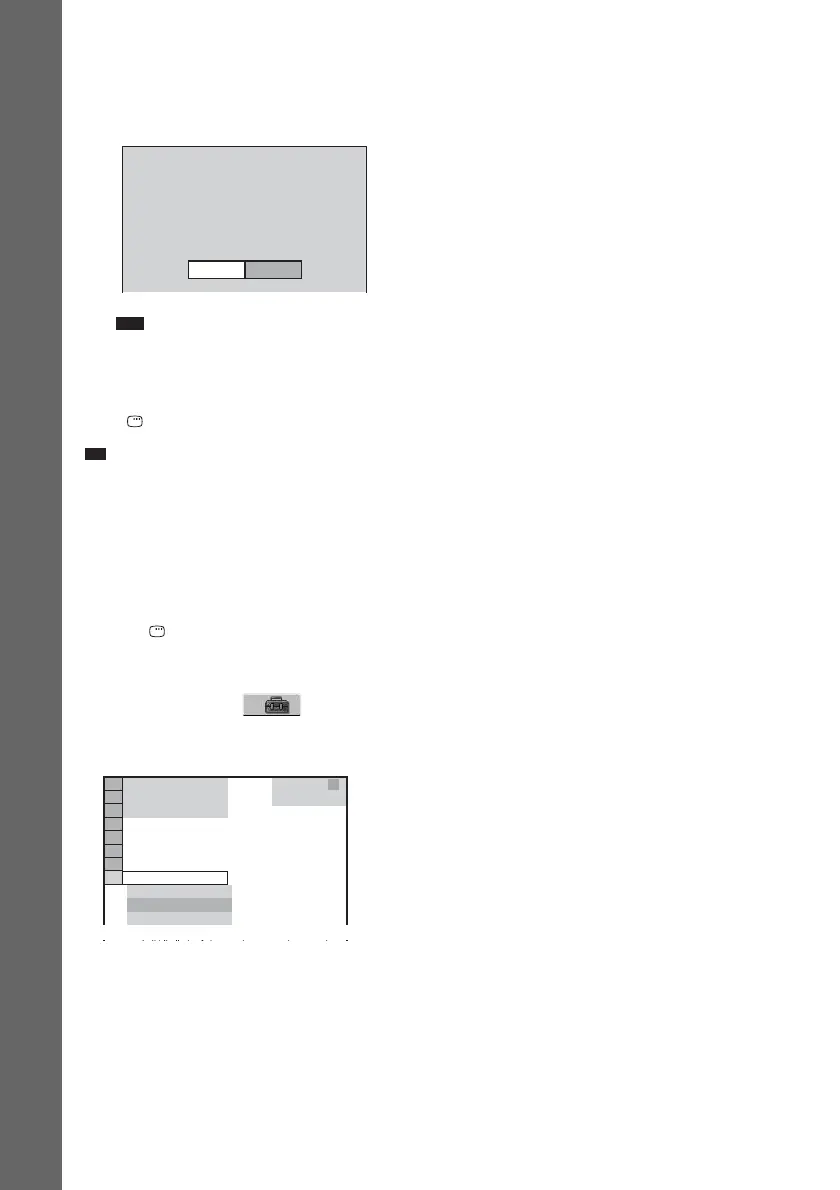
13Unplug the calibration mic and press C/
c to select [YES].
Quick Setup is finished. All connections
and setup operations are complete.
Note
• If measurement fails, follow the message then
retry [AUTO CALIBRATION].
To quit the Quick Setup
Press DISPLAY in any Step.
Ti
• If you change the position of the speakers, reset the
speaker settings. See “Getting Optimal Surround
Sound for a Room” (page 61) and “Calibrating the
Appropriate Settings Automatically” (page 63).
• If you want to change any of the settings, see “Using
the Setup Display” (page 65).
To recall the Quick Setup display
1 Press DISPLAY when the system is in
stop mode.
The Control Menu appears.
2 Press X/x to select [SETUP], then
press ENTER.
The options for [SETUP] appear.
3 Press X/x to select [QUICK], then press
ENTER.
The Quick Setup display appears.
FRONT L :
FRONT R :
CENTER :
SUBWOOFER :
SURROUND L :
SURROUND R :
If OK, unplug calibration mic and select
YES.
YES
YES
YES
NONE
YES
NONE
NONE
Measurement complete.
NO
1 2
(
2 7
)
QUICK
QUICK
RESET
DVD VIDEO
BNR
: :
1 8
(
3 4
)
CUSTOM



 To Next Page