Various Functions for Playing Discs
37
GB
You can play all the titles, tracks or albums on a
disc or a single title, chapter, track, or album
repeatedly.
You can use a combination of Shuffle or
Program Play modes.
1 Press DISPLAY during playback.
The Control Menu appears.
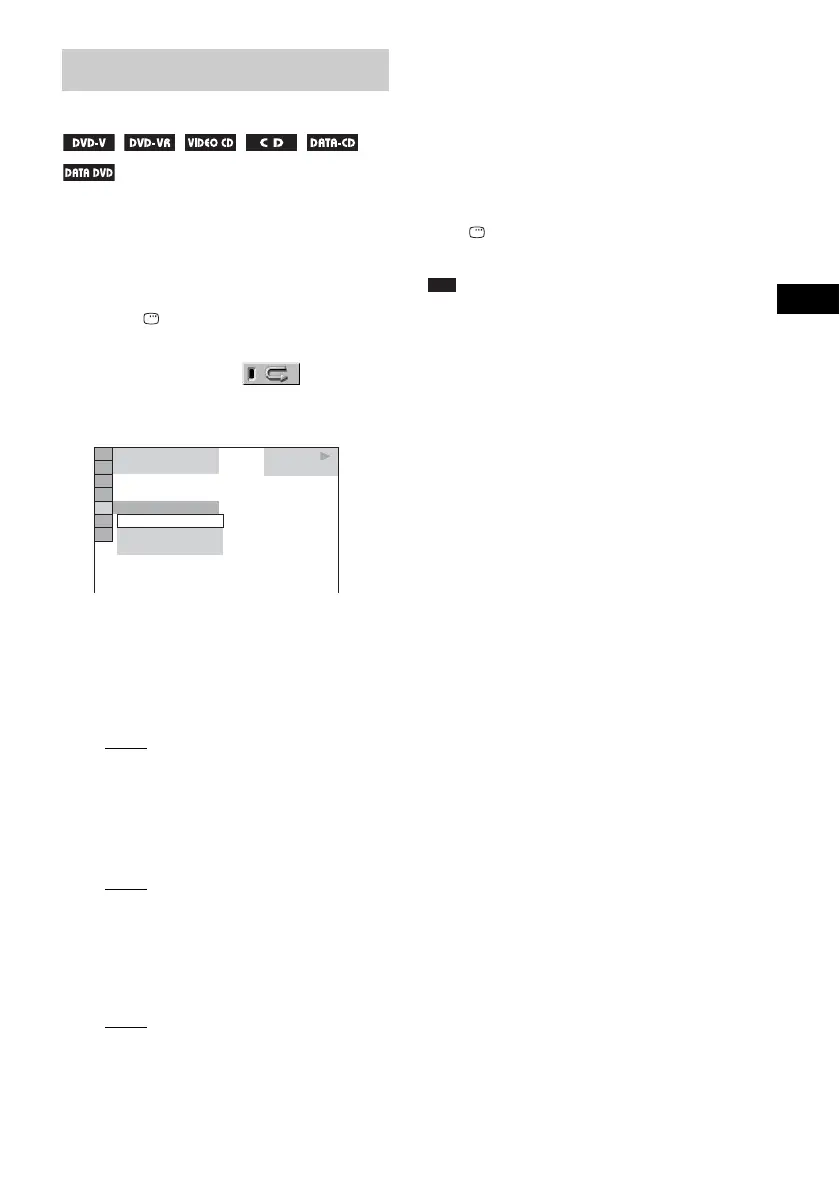
2 Press X/x to select [REPEAT],
then press ENTER.
The options for [REPEAT] appear.
3 Press X/x to select the item to be
repeated.
The default setting is underlined.
x When playing a DVD VIDEO or DVD-
VR
• [OFF]: does not play repeatedly.
• [DISC]: repeats all of the titles on the disc.
• [TITLE]: repeats the current title on a
disc.
• [CHAPTER]: repeats the current chapter.
x When playing a VIDEO CD or CD
• [OFF]: does not play repeatedly.
• [DISC]: repeats all of the tracks on the
disc.
• [TRACK]: repeats the current track.
x When playing a DATA CD or DATA
DVD
• [OFF]: does not play repeatedly.
• [DISC]: repeats all of the albums on the
disc.
• [ALBUM]: repeats the current album.
•[TRACK] (MP3 audio tracks only):
repeats the current track.
4 Press ENTER.
The item is selected.
To return to normal play, press CLEAR, or
select [OFF] in Step 3.
To turn off the Control Menu
Press DISPLAY repeatedly until the Control
Menu is turned off.
Note
• You cannot use this function with VIDEO CDs and
Super VCDs with PBC playback.
• When playing a DATA CD/DATA DVD which
contains MP3 audio track and JPEG image files, and
their playing time are not the same, the audio sound
will not match the image.
• When [MODE (MP3, JPEG)] is set to [IMAGE
(JPEG)] (page 47), you cannot select [TRACK].
Playing Repeatedly
(Repeat Play)
PLAY
6 (14)
T
2 : 5 0
OFF
DISC
TRACK
OFF
CD



 To Next Page