28
GB
Basic Operations
You can choose a suitable sound mode for
movies or music.
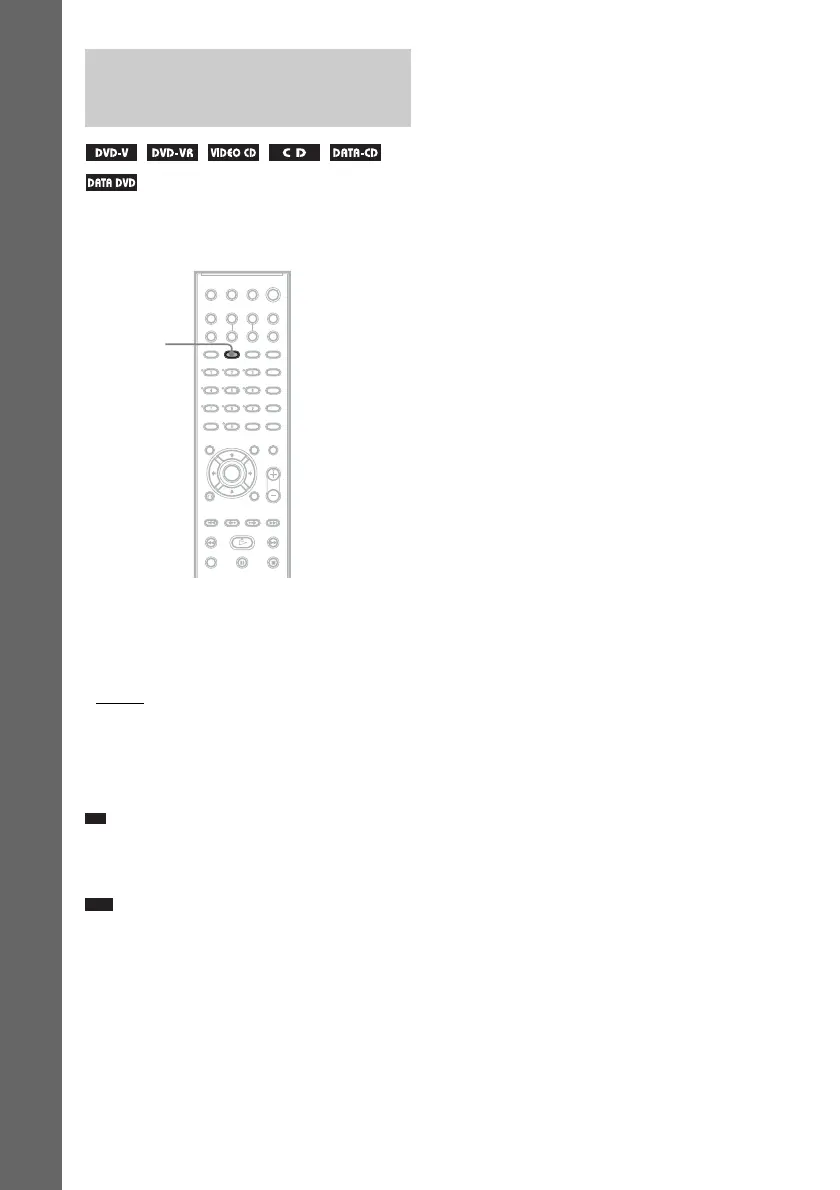
Press MOVIE/MUSIC during playback.
Press MOVIE/MUSIC repeatedly until the
mode you want lights up in the front panel
display. The default setting is underlined.
• AUTO
: selects the mode automatically to
produce the sound effect depending on the
disc.
• MOVIE: provides the sound for movies.
• MUSIC: provides the sound for music.
Ti
• When the movie or music mode is selected,
“MOVIE” or “MUSIC” is displayed in the front panel
display.
Note
• You cannot operate these setup items when you
connect headphones to the system.
Selecting the Movie or
Music Mode
MOVIE/
MUSIC



 To Next Page