36
GB
You can have the system “shuffle” tracks.
Subsequent “shuffling” may produce a different
playing order.
Note
• Same song may be played repeatedly during MP3
playback.
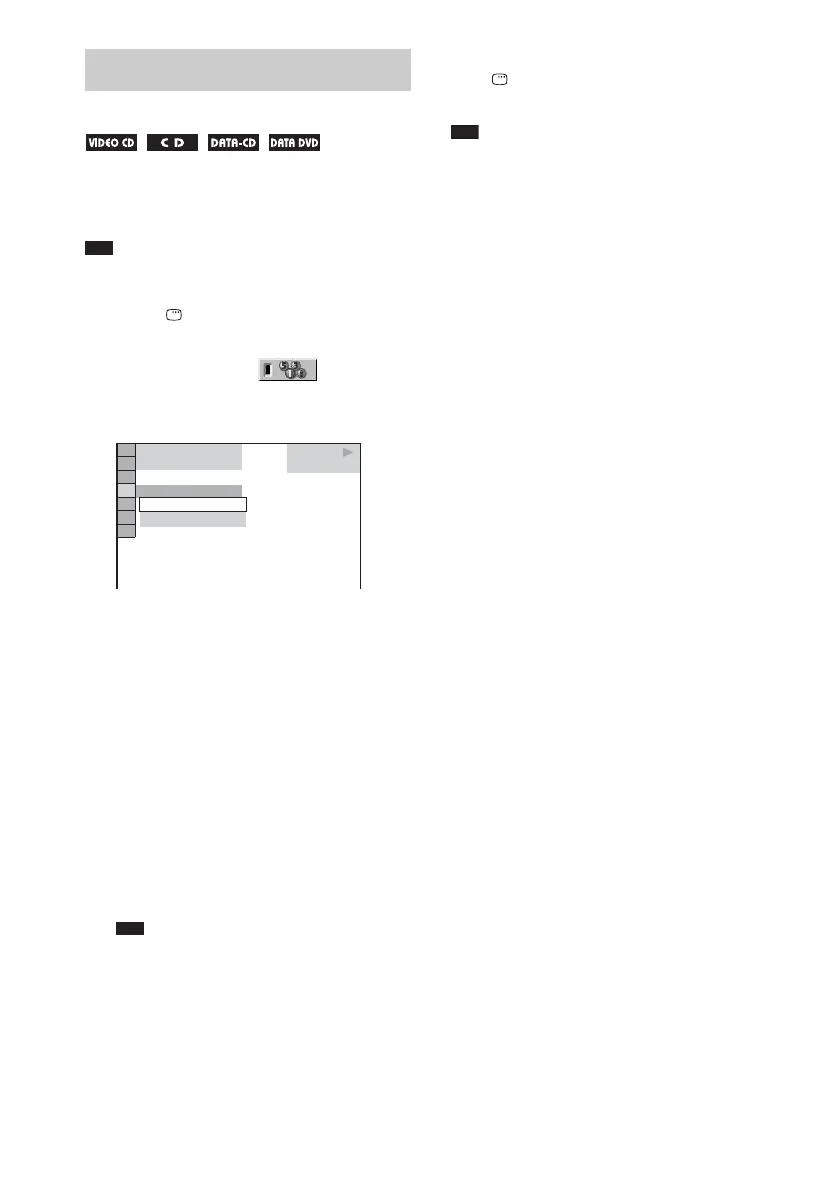
1 Press DISPLAY during playback.
The Control Menu appears.
2 Press X/x to select [SHUFFLE],
then press ENTER.
The options for [SHUFFLE] appear.
3 Press X/x to select the item to be
shuffled.
x When playing a VIDEO CD or CD
• [TRACK]: shuffles tracks on the disc.
x When Program Play is activated
• [ON]: shuffles tracks selected in Program
Play.
x When playing a DATA CD or DATA
DVD
• [ON]: shuffles MP3 audio tracks in the
album on the current disc. When no album
is selected, the first album will play in
random order.
Note
• A track already played is also selected in
random order.
4 Press ENTER.
Shuffle Play starts.
To return to normal play
Press CLEAR, or select [OFF] in Step 3.
To turn off the Control Menu
Press DISPLAY repeatedly until the Control
Menu is turned off.
Note
• You cannot use this function with VIDEO CDs and
Super VCDs with PBC playback.
Playing in Random Order
(Shuffle Play)
PLAY
6 (14)
T
2 : 5 0
OFF
TRACK
OFF
CD



 To Next Page