46
GB
x DATA CD/DATA DVD/USB device (audio
file)
1 Playing time and current track number
2 Track (file) name*
* If an MP3 file has an ID3 tag, the system will
display a title name from the ID3 tag information.
The system can support ID3 ver 1.0/1.1/2.2/2.3.
ID3 ver 2.2/2.3 tag information display has priority
when both ID3 ver 1.0/1.1 and ver 2.2/2.3 tags are
used for a single MP3 file.
x DATA CD (video file)/DATA DVD (video
file)/USB device (video file)
1 Playing time of the current file
2 Current file name
3 Current album and file number
Note
• The system can only display the first level of the
DVD/CD text, such as the disc name or title.
• The disc name or track name may not be displayed
depending on the text.
• Playing time of MP3 files and video files may not be
displayed correctly.
You can check the date information during
playback when the Exif* tag is recorded in the
JPEG image file.
Press DISPLAY repeatedly until
[DATE] appears on the control menu.
* “Exchangeable Image File Format” is a digital
camera image format defined by the Japan
Electronics and Information Technology Industries
Association (JEITA).
Enjoying the Audio/Video
of the Connected
Component
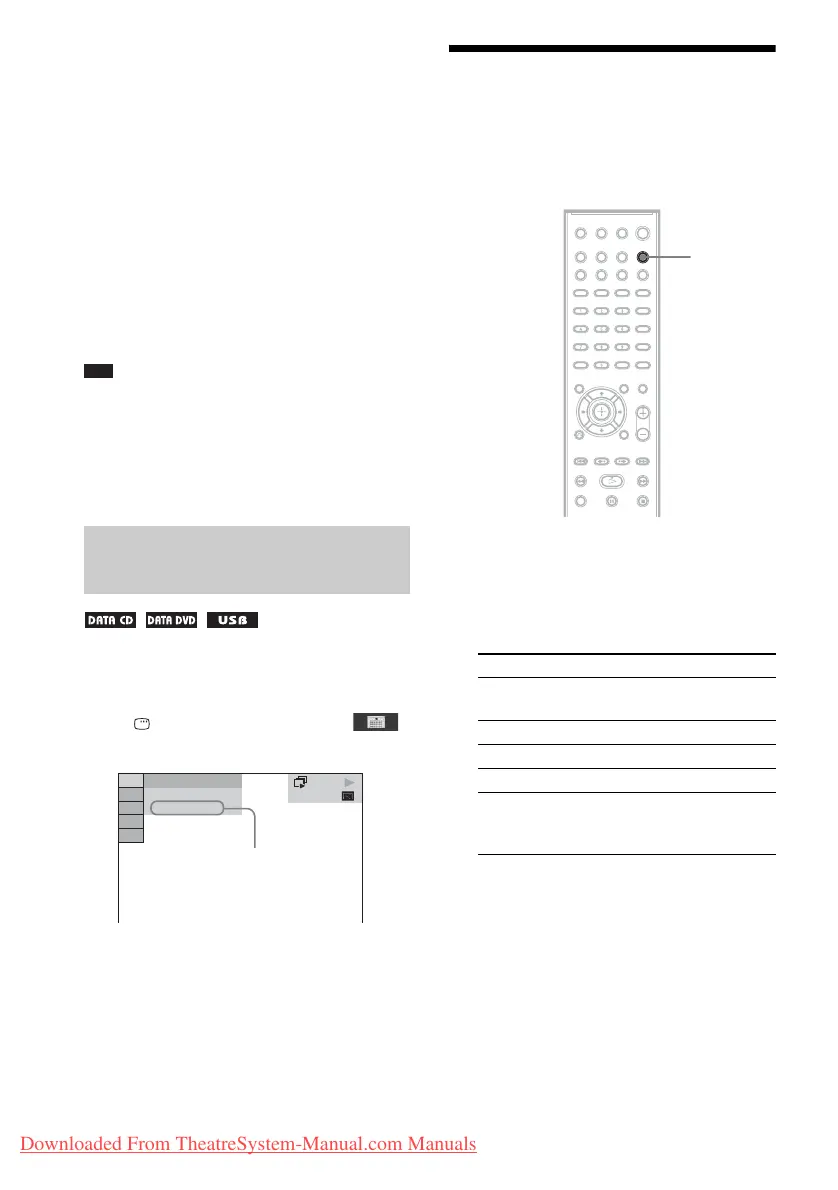
1 Press FUNCTION repeatedly to select
the desired function.
The selected item appears in the front panel
display.
Viewing the date information
of a JPEG image file
DATA CD
10( 15)
5( 8)
18/9/2002
Date information
Function Source
“DVD/CD” Disc that is played by the
system
“TUNER FM” FM radio
“USB” USB device
“TV” TV or set-top box
“AUDIO IN” Portable audio source that
is connected to the AUDIO
IN jack on the front panel
FUNCTION
Downloaded From TheatreSystem-Manual.com Manuals



 To Next Page