Getting
Started
Step
1:
Checking
supplied
items
12
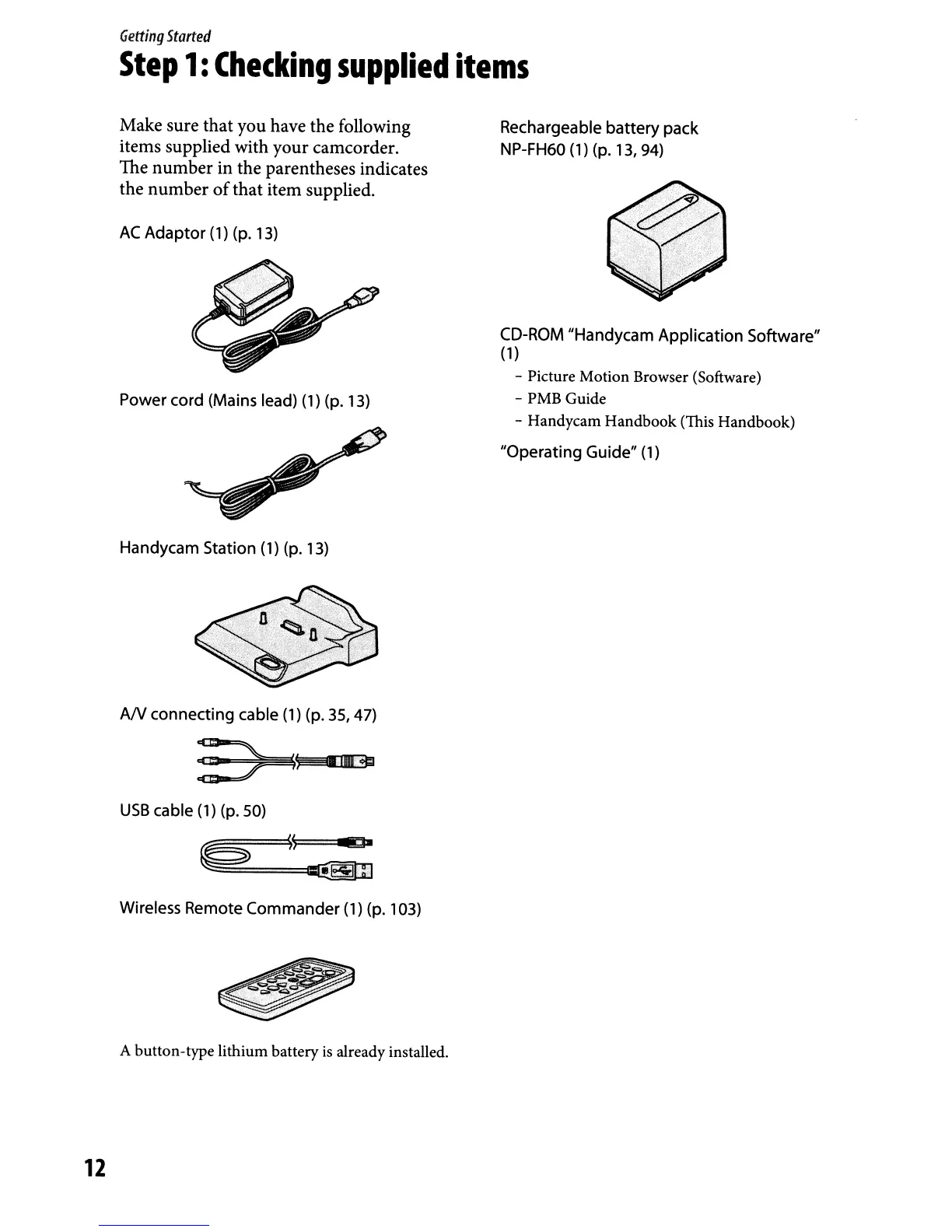
Make sure that you have the following
items supplied with your camcorder.
The number in the parentheses indicates
the number
of
that item supplied.
AC
Adaptor
(1) (p.
13)
Power cord (Mains lead)
(1)
(p. 13)
Handycam Station
(1) (p. 13)
AN
connecting cable (1) (p. 35, 47)
: )
1\
i,ll<G
USB
cable
(1)
(p. 50)
~
~S~'"
rg-
~::::_=====~
Wireless Remote
Commander
(1)
(p. 103)
A button-type lithium battery
is
already installed.
Rechargeable
battery
pack
NP-FH60
(1)
(p. 13, 94)
CD-ROM "Handycam Application Software"
(1
)
- Picture Motion Browser (Software)
- PMB Guide
- Handycam Handbook (This Handbook)
"Operating Guide" (1)



 To Next Page