Editing
EI3
(OTHERS)
category
Deleting
images
" Notes
• You cannot restore images once they are
deleted.
• Do not remove the battery pack
or
the AC
Adaptor from your camcorder while deleting
the images.
It
may damage the media.
• Do not eject "MemoryStick PRO Duo" while
deleting movies from the "Memory Stick PRO
Duo."
•
When
write-protection
is
set to the images
in the "Memory Stick PRO Duo" by another
device, you
cannot
delete the images from the
"Memory Stick PRO Duo."
You can delete images recorded
on
the
media using your camcorder.
Item
list',
',.',:,
"
,
-
~l
IE
(OTHERS)
category
lElIa..... .:l!i
..
aI
D!UTI
II
PHCmJ
CAI'J"RI
I
112
r---------,
_I
-.aIM
"
PHCmJCl)PY
I
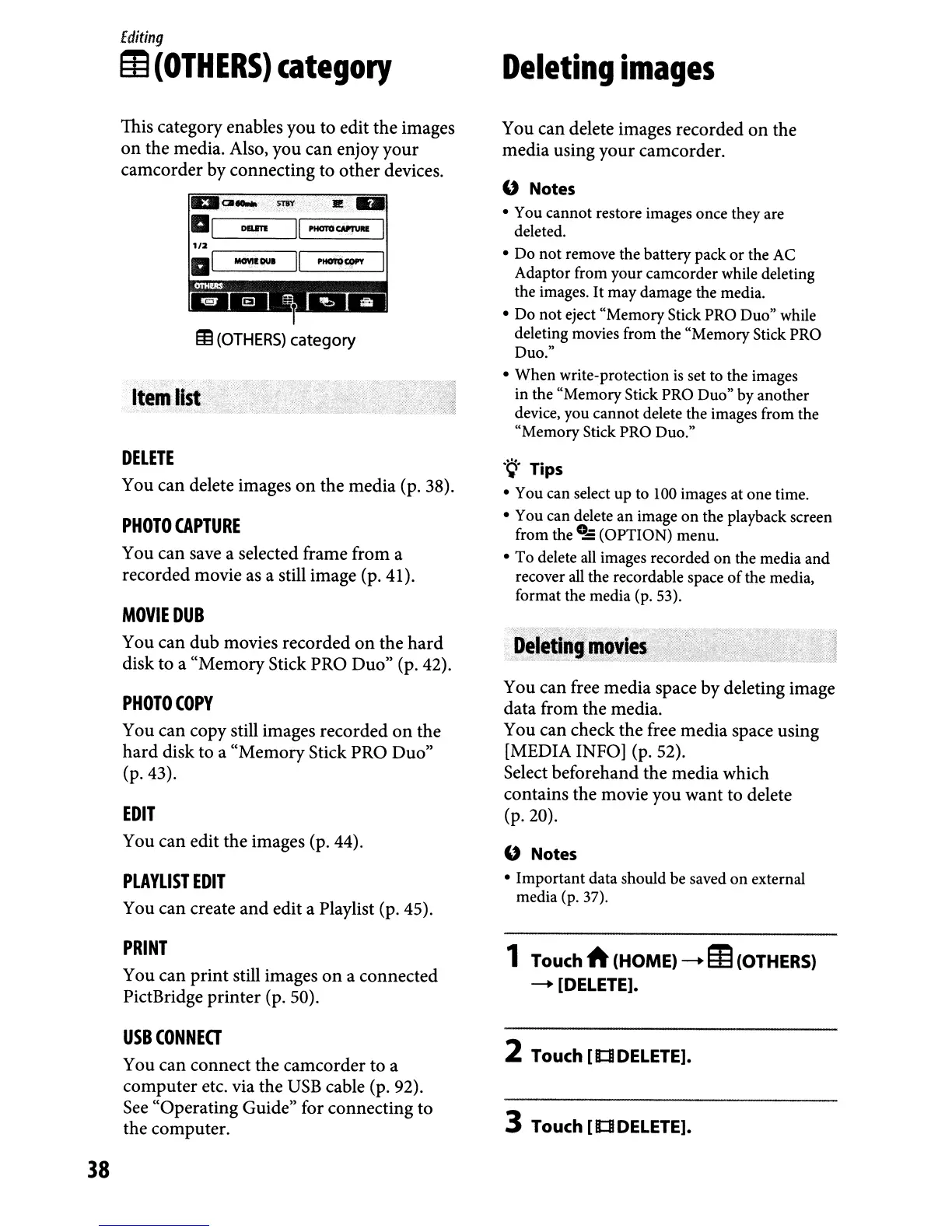
This category enables you to edit the images
on the media. Also, you can enjoy your
camcorder by connecting to other devices.
DELETE
You can delete images
on
the media (p. 38).
PHOTO
CAPTURE
You can save a selected frame from a
recorded movie as a still image (p. 41).
MOVIE
DUB
You can dub movies recorded
on
the
hard
disk to a "Memory Stick PRO Duo" (p. 42).
PHOTOCOPY
You can copy still images recorded
on
the
hard disk to a "Memory Stick PRO Duo"
(p.43).
EDIT
You can edit the images (p. 44).
PLAYLIST
EDIT
You can create and edit a Playlist (p. 45).
.~.
Tips
• You can select up to 100 images at one time.
• You can delete an image
on
the playback screen
from the
0.:
(OPTION) menu.
• To delete all images recorded
on
the media and
recover all the recordable space
of
the media,
format the media (p. 53).
:
,,>.-,,-
"-/:
..
,
~eleti~"~~vies.
You can free media space by deleting image
data from the media.
You can check the free media space using
[MEDIA INFO] (p. 52).
Select beforehand the media which
contains the movie you want to delete
(p.20).
" Notes
• Important data should be saved
on
external
media (p. 37).
PRINT
You can print still images
on
a connected
PictBridge printer (p. 50).
1 Touch A (HOME)
--+
m(OTHERS)
--+
[DELETE].
USB
CONNECT
You can connect the camcorder to a
computer etc. via the
USB
cable (p. 92).
See
"Operating Guide" for connecting to
the computer.
2 Touch
[Ill
DELETE].
3 Touch
[Ill
DELETE].
38



 To Next Page