6-49
DCR-SR32E/SR33E/SR42/SR42A/SR42E/SR52E/SR62/SR62E/SR72E/SR82/SR82C/SR82E_ADJ
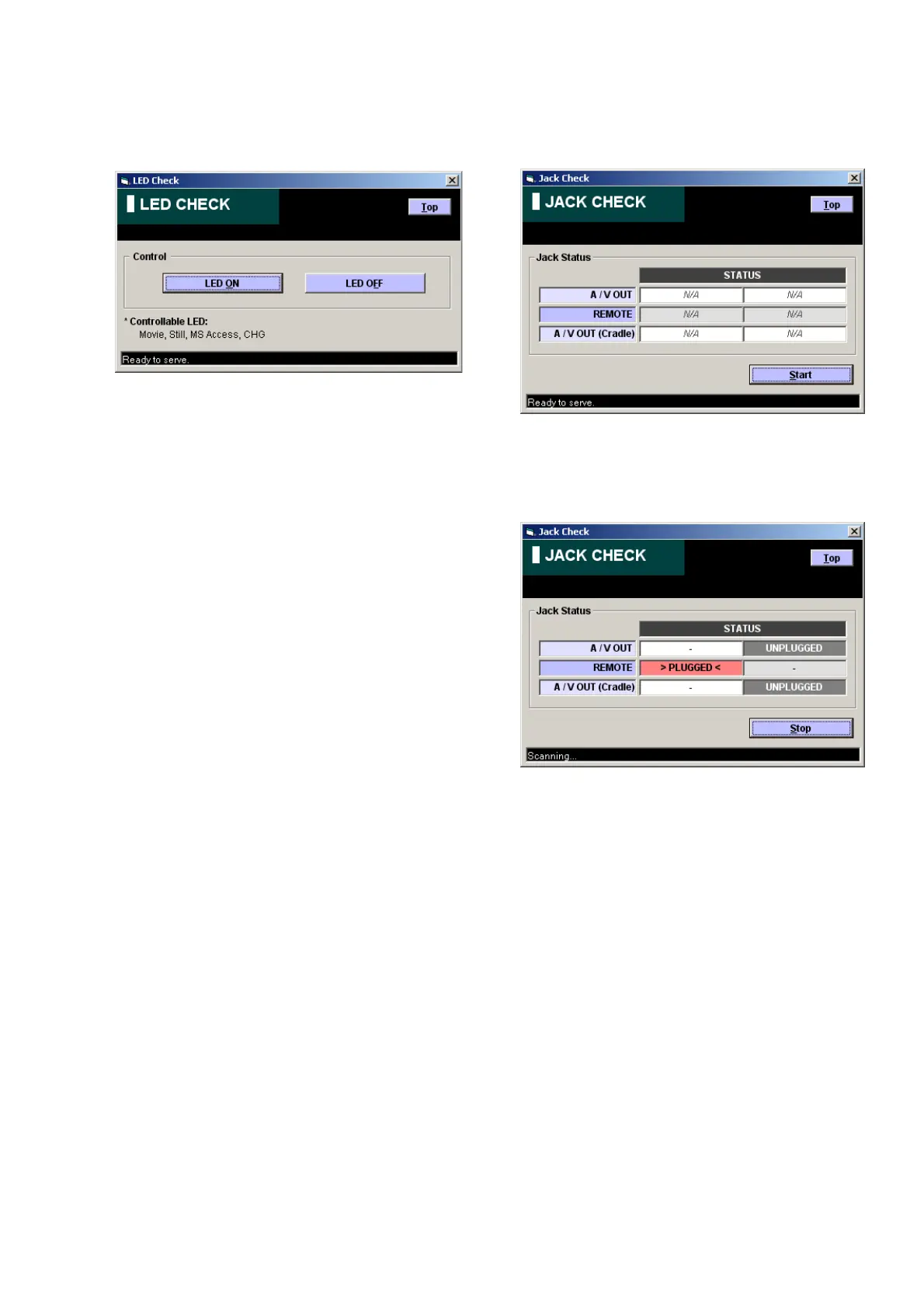
4. Jack Check
Click the [Jack Check] button on the SERVICE MODE screen,
and the “JACK CHECK” screen will appear.
Using method:
Click the [Start] button, and the jack check will start.
During execution of jack check, the connected jack is displayed in
orange.
3. LED Check
Click the [LED Check] button on the SERVICE MODE screen,
and the “LED CHECK” screen will appear.
Using method:
LED ON or OFF can be controlled with [LED ON] or [LED OFF]
button on the screen.



 To Next Page