141
“Memory Stick
” Operations
Playing back a moving picture from the desired part
The moving picture recorded on a “Memory Stick” is divided into 23 parts.
You can select any point and playback the picture.
(1) Follow steps 1 to 3 on page 140.
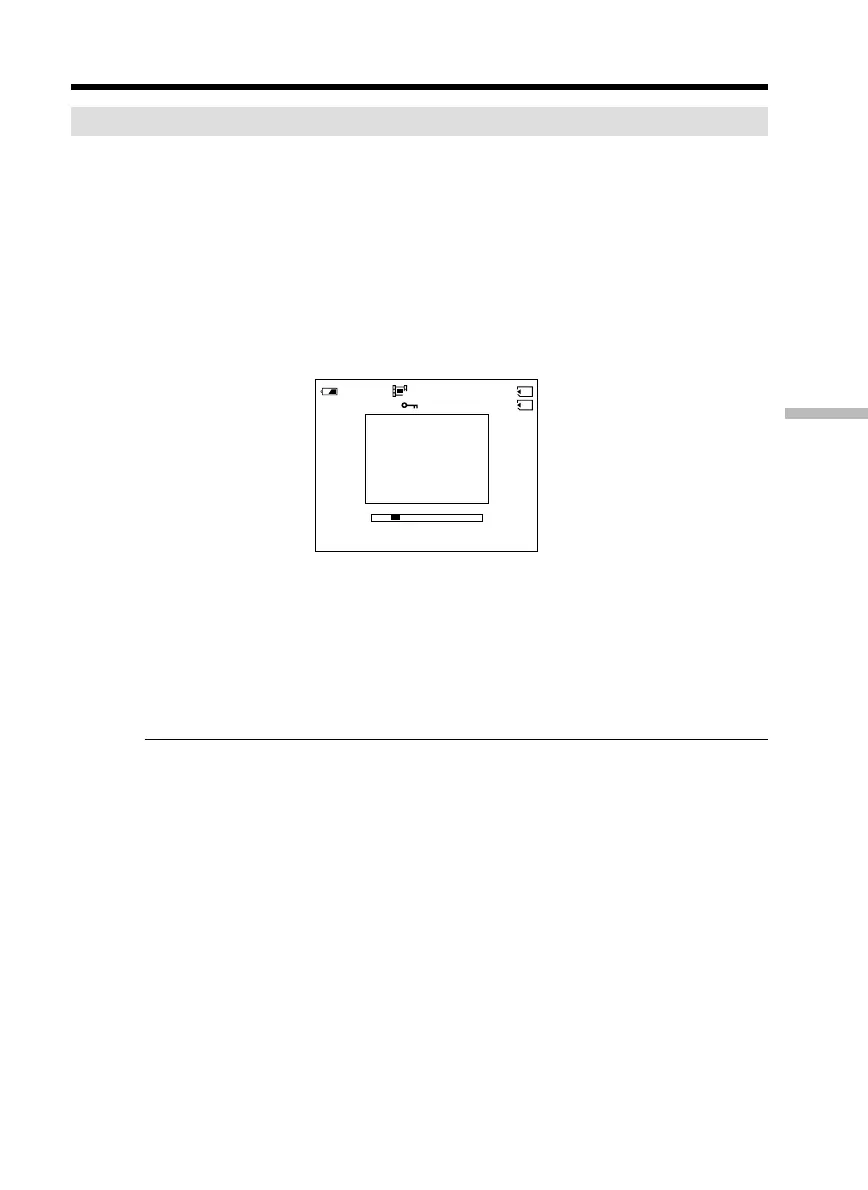
(2) Turn the SEL/PUSH EXEC dial and select the point where you want to start
playback, then press the dial.
R : To see the next part
r : To see the previous part
As you turn the dial to select the playback scene you want, the bar and counter
change to indicate the playback point.
(3) Press MPEG N X or SEL/PUSH EXEC dial to start playback.
(4) To adjust the volume, press either of the two buttons on VOLUME.
– : To turn the volume down
+: To turn the volume up
To stop MPEG movie playback
Press MPEG N X or SEL/PUSH EXEC dial.
When recording time is not long
The moving picture may not be divided into 23 parts.
Viewing moving pictures – MPEG movie playback
320
MOV00001
2/20
0:00:50
50
min



 To Next Page