172
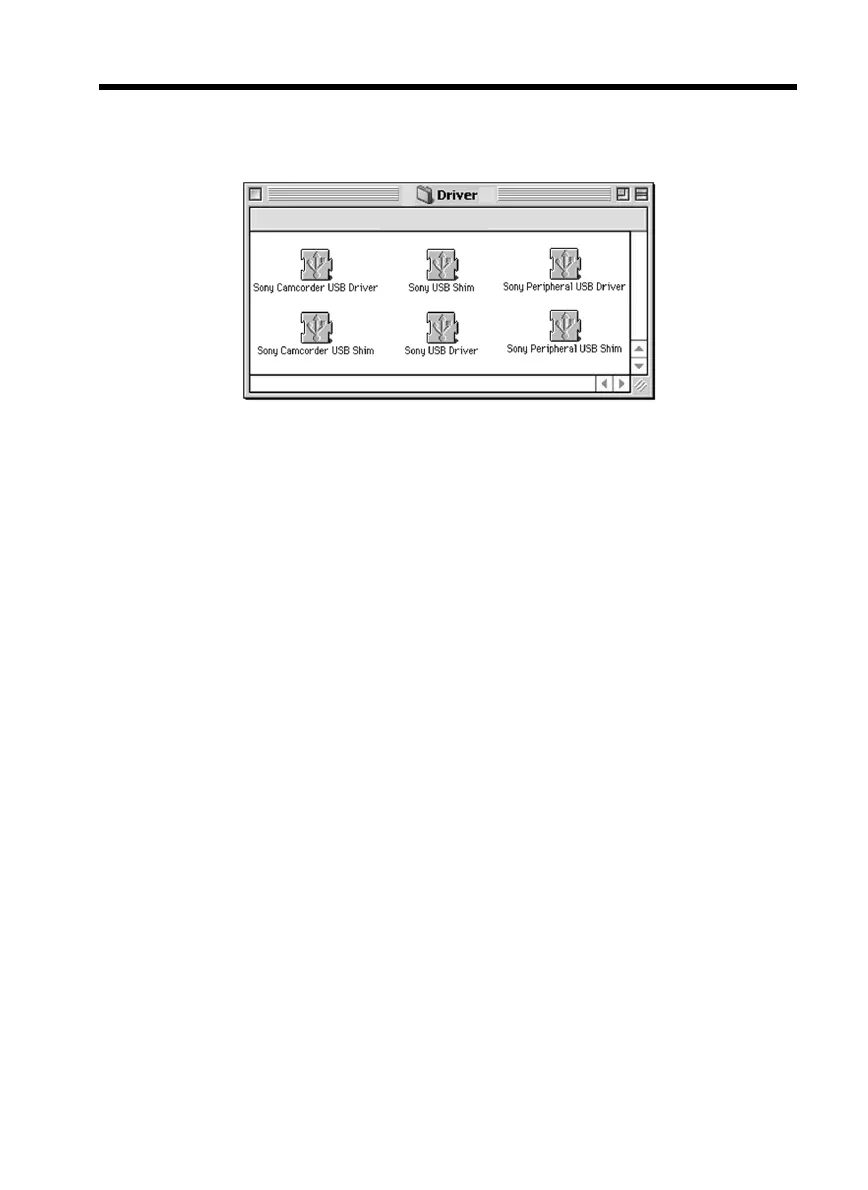
(3) Click the “USB Driver” to open the folder containing the six files related to
“Driver.”
(4) Select the following two files, and drag and drop them into the System Folder.
•Sony Camcorder USB Driver
•Sony Camcorder USB Shim
(5) When the message appears, click “OK.”
The USB driver is installed on your computer.
(6) Remove the CD-ROM from the computer.
(7) Restart your computer.
Connecting your camcorder to your computer using the USB cable
– For Macintosh users



 To Next Page