3
English
Main Features
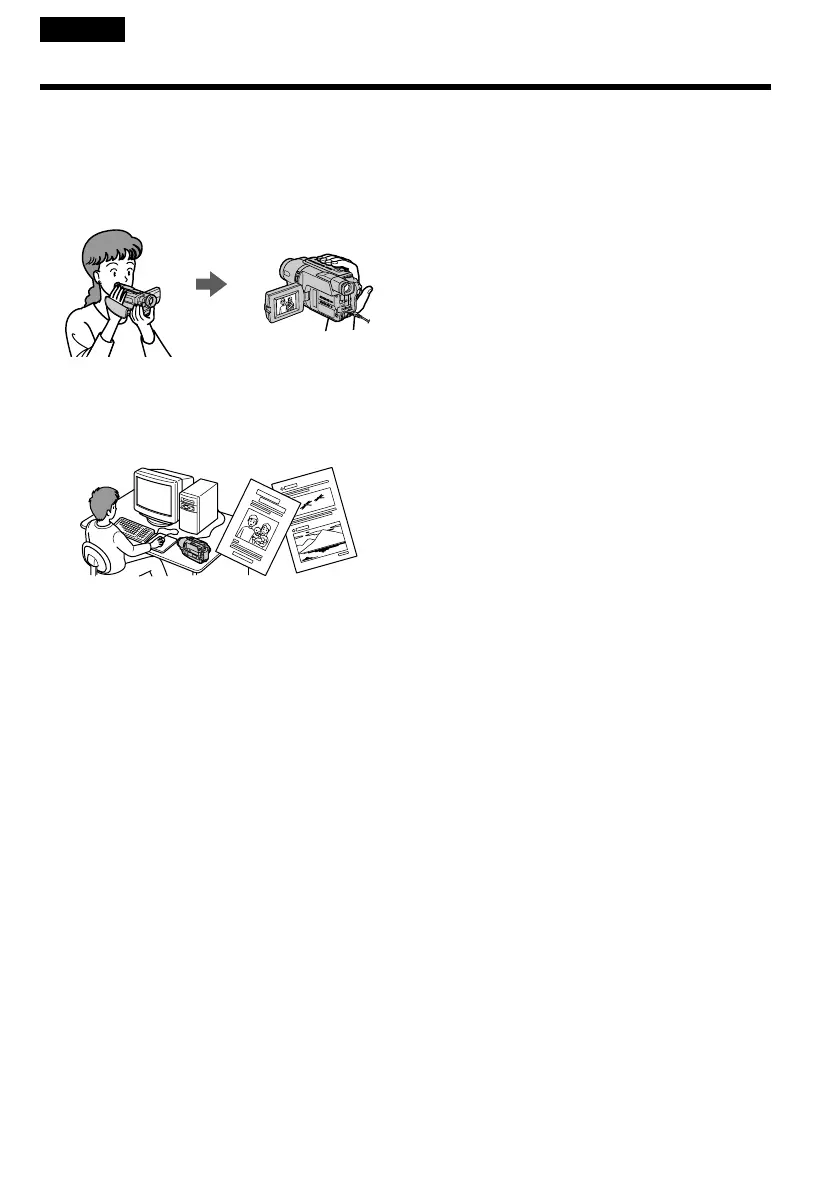
Taking moving or still images, and
playing them back
•Recording a picture (p. 25)
•Recording a still image on a tape (p. 45)
•Playing back a tape (p. 37)
Capturing images on your computer
•Viewing images recorded on a tape (p. 109)
•Viewing images live from your camcorder
(p. 109)
Others
Functions to adjust exposure in the recording
mode
•NightShot (p. 34)/
Super NightShot (p. 34)/
Colour Slow Shutter (p. 34)
•BACK LIGHT (p. 33)
•PROGRAM AE (p. 57)
•Built-in light (p. 72)
•Manual exposure (p. 60)
Functions to give images more impact
•Digital zoom (p. 29)
The default setting is set to OFF. (To zoom
greater than 20×, select the digital zoom power
in D ZOOM in the menu settings.)
•FADER (p. 49)
•Tape photo recording (p. 45)
•Picture effect (p. 52)
•Digital effect (p. 54)
•TITLE (p. 68)
Function to give a natural appearance to your
recordings
•Manual focus (p. 61)
Functions to use in editing in the recording
mode
•Wide mode (p. 47)
Functions to use after recording
•Data code (p. 39)
•Tape PB ZOOM (p. 79)
•Zero set memory (p. 81, 107)
•Digital program editing (p. 91)
Function to make transition smooth
•END SEARCH (p. 36)











 To Next Page