68
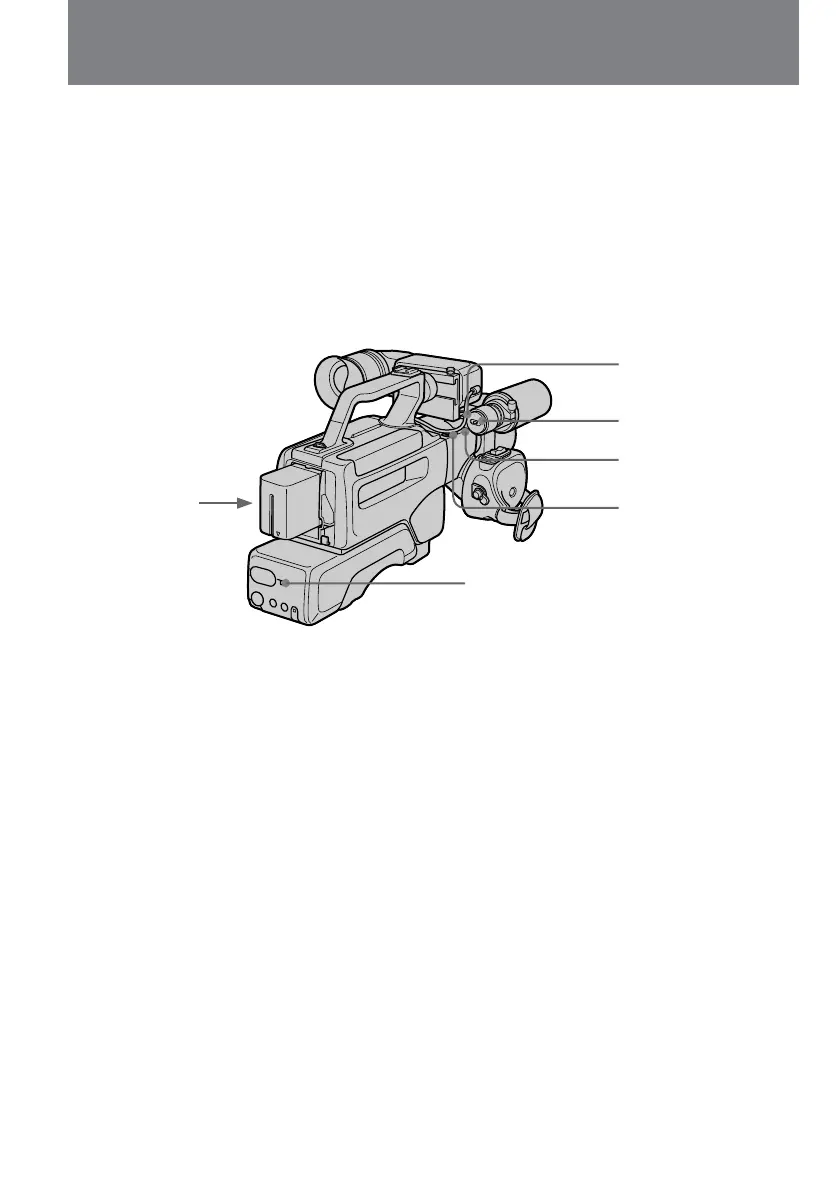
To use external microphone
You can record narration using an external
microphone.
Set AUDIO INPUT SELECT to MIC.
Set MIC SELECT to NORM so that you can
record with an external microphone but the built-
in microphone will be disabled.
Set MIC SELECT to DUAL so that the external
microphone records on the L channel and the
built-in microphone records on the R channel.
Respectively, the sound is in monaural.
Para utilizar un micrófono externo
Usted podrá grabar una narración utilizando un
micrófono externo.
Ponga AUDIO INPUT SELECT en MIC.
Ajuste MIC SELECT a NORM, para poder grabar
con el micrófono externo, pero el incorporado
quedará inhabilitado.
Ajuste MIC SELECT a DUAL, para que el
micrófono externo grabe en el canal izquierdo (L)
y el incorporado en el derecho (R).
El sonido será monoaural, respectivamente.
Ajuste del sonido de
grabación
Adjusting the recording
sound
MIC (PLUG IN POWER)
DIRECTION SELECT
MIC
BUILT-IN MIC
AUDIO INPUT SELECT
MIC SELECT















 To Next Page