97
Additional information Información adicional
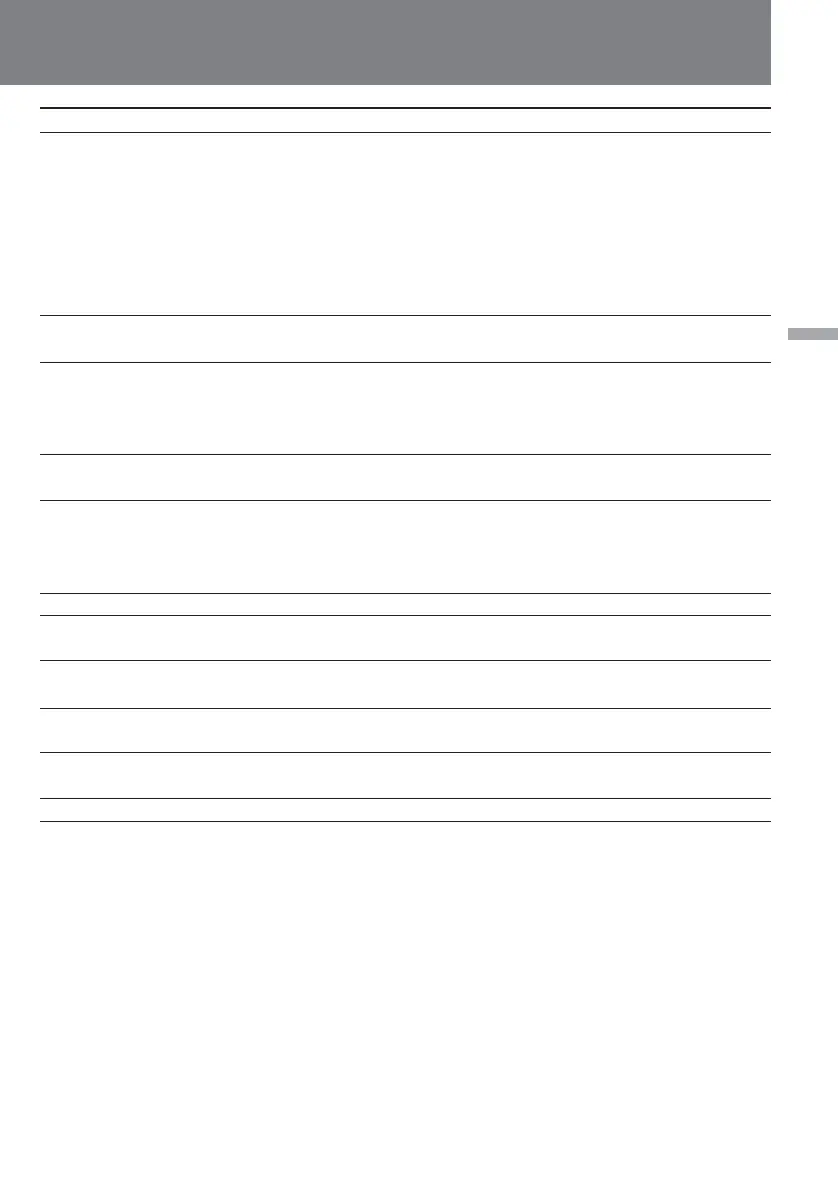
Symptom
The tape does not move when a
video control button is pressed.
The Steady Shot function does
not activate.
The autofocusing function does
not work.
The microphone does not work
while recording.
Built-in microphone sound does
not record in stereo when
monitoring by headphone or line
out jacks.
Audio dubbing does not work.
Excessive high-pitched sound is
heard.
The date and time indicator
disappears.
D ZOOM does not work.
The overlap function does not
work.
The slow shutter does not work.
Cause and/or Corrective Action
• CAMERA/PLAYER is set to CAMERA.
m Set it to PLAYER.
• The tape has run out.
m Rewind the tape or use a new one. (p. 27)
• The digital camcorder is updating the cassette memory data
(only for DV cassettes with cassette memory).
m Eject the cassette after the C MEMORY indicator disappears.
(p. 14)
• STEADY SHOT is set to OFF.
m Set STEADY SHOT to ON. (p. 69)
• FOCUS is set to MANU.
m Set it to AUTO. (p. 49)
• Shooting conditions are not suitable for autofocus.
m Set FOCUS to MANU to focus manually. (p.48)
• AUDIO INPUT SELECT is set to LINE.
m Set it to MIC.
• DIRECTION SELECT is set to 0°.
m Set it to 90° or 120°.
• Use 16 bit digital recording tape for playback.
• The picture has been recorded with BUILT-IN MIC set to WIND.
m When there is no wind, set it to off (green position). (p. 67)
• Reset the date and time. (p. 83)
• Set DIGITAL MODE to ZOOM/16:9 WIDE and D ZOOM in the
menu to ON. (p. 33)
• Set DIGITAL MODE to OVERLAP. (p. 37)
• Set DIGITAL MODE to ZOOM/16:9 WIDE.
(to be continued)















 To Next Page