22
Names and Functions of Parts
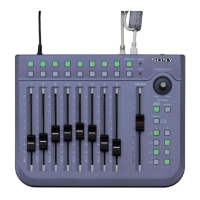
f Right button
Press to execute functions assigned to the function buttons
and to confirm parameter settings.
g Left button
Using this button together with the function buttons allows
you to switch between the functions to execute or
parameters to adjust.
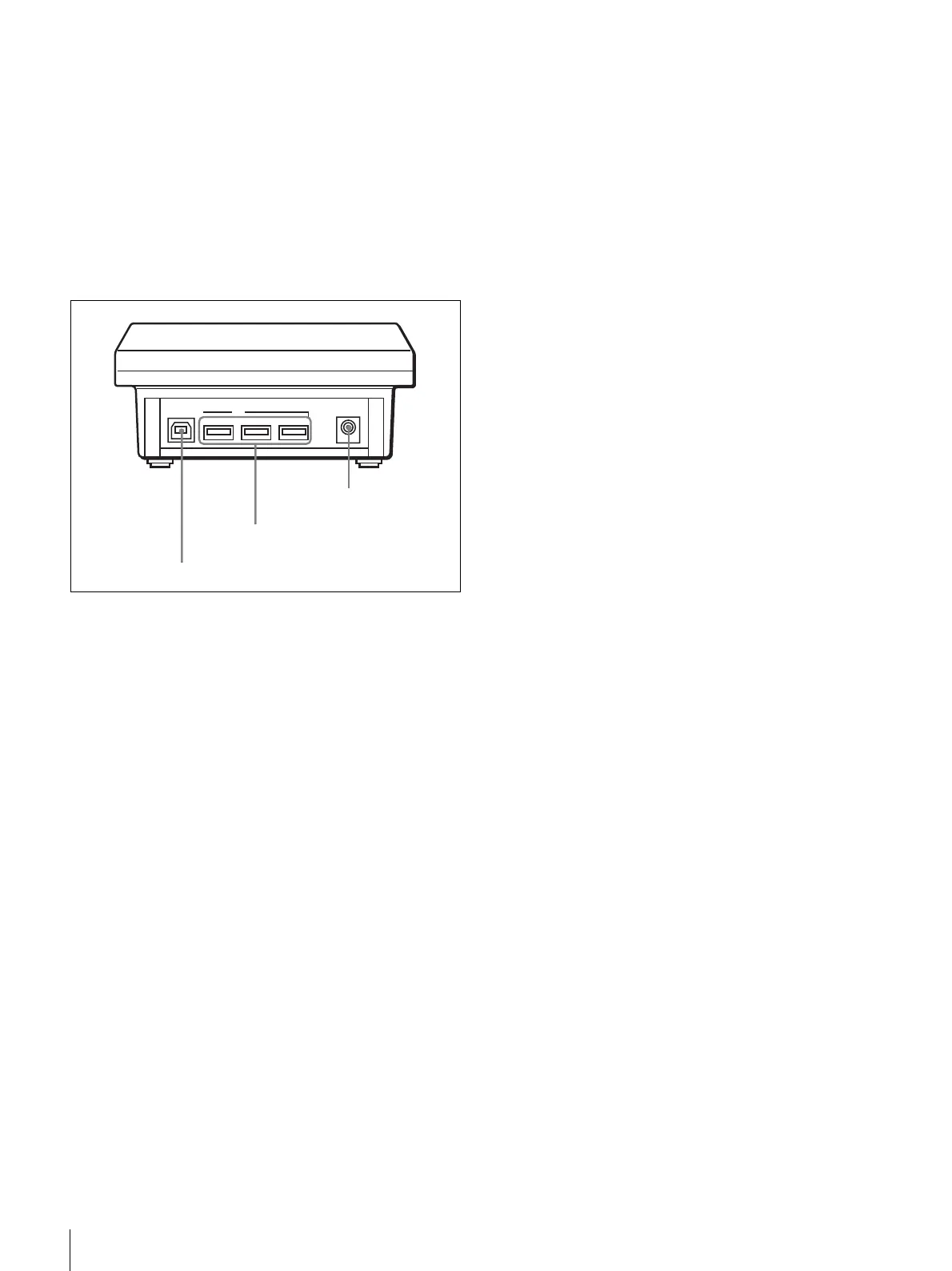
Rear panel
a UPSTREAM PORT connector (USB)
Using a USB cable, connect to the XPRI/XPRI NS main
unit, or to the Audio Control Panel or the Editing Control
Panel connected to the XPRI main unit.
b USB PORT1 to PORT3 connectors (USB)
You can connect these connectors to various control panels
using USB cables.
c DC IN (DC power input) connector
Connect to the DC output connector of the supplied AC
adaptor.
PORT1 PORT2 PORT3
DC IN
UPSTREAM PORT
USB
3 DC IN connector
2 USB PORT1 to
PORT3 connectors
1 UPSTREAM PORT connector


 To Next Page