26
Names and Functions of Parts
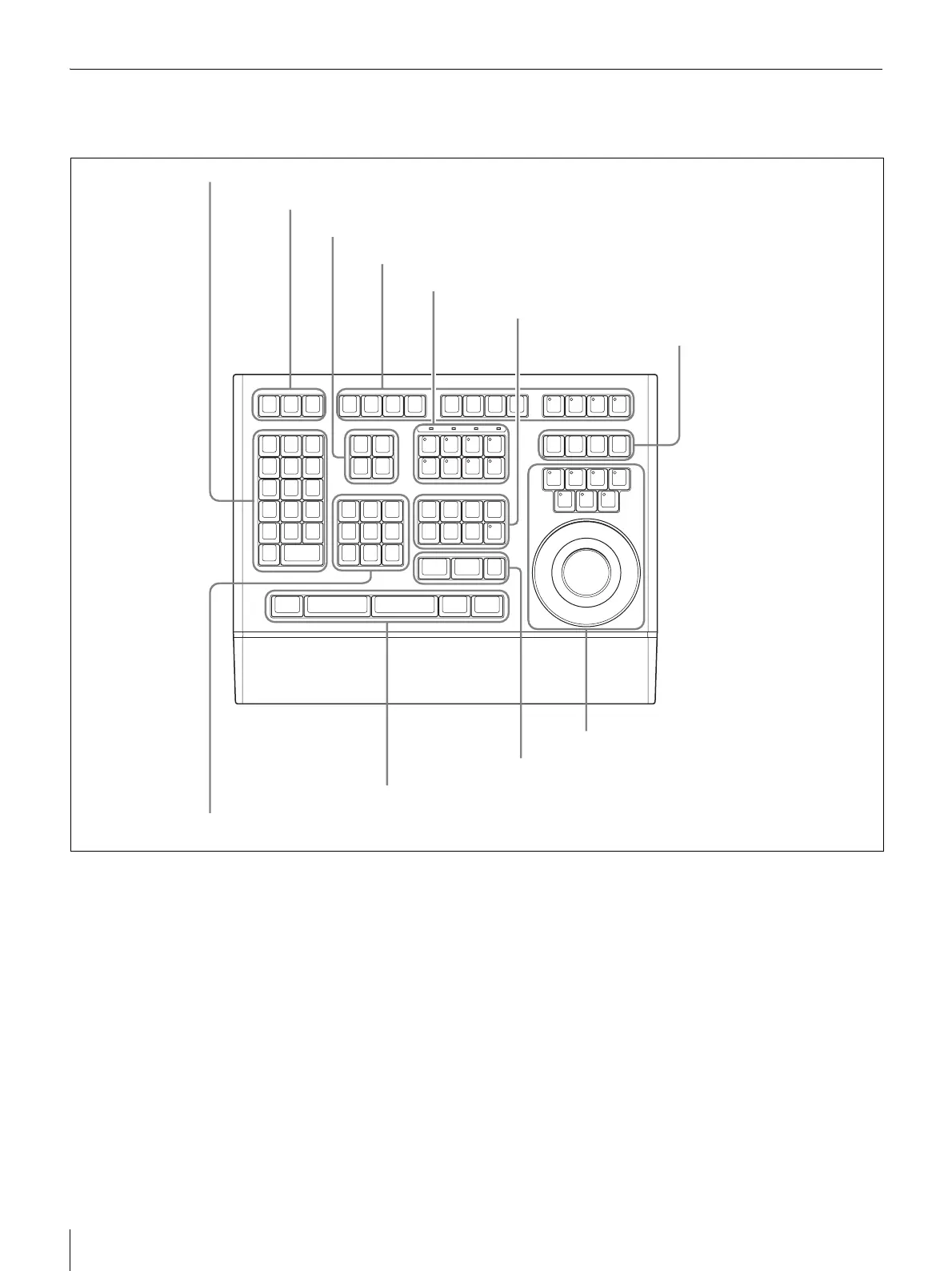
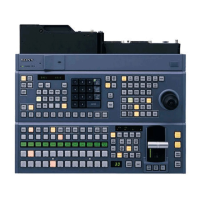
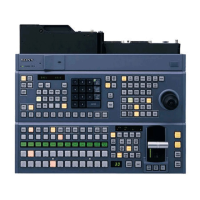
DMW-C5 Editing Control Panel
Operation Panel
a Numeric keypad/FX pattern section
2 (FX2) to 9 (FX9): Function as numeric input buttons
when pressed alone with the num lock function being
on. Function as FX2 to FX9 buttons when pressed
with a SHIFT button.
1 (FX1): Functions as a numeric input button when
pressed alone with the num lock function being on.
Functions as the FX1 button when pressed with a
SHIFT button. Functions as the Properties (properties
display) button when pressed with the CTRL button.
0 (DISS, MENU): Functions as a numeric input button
when pressed alone with the num lock function being
on. Functions as a DISS (add dissolve) button when
pressed with a SHIFT button. Functions as the MENU
(main menu display) button when pressed with the
CTRL button.
00 (SPEED, CLOSE): Functions as a numeric input
button when pressed alone with the num lock function
being on. Functions as a SPEED (speed control)
button when pressed with a SHIFT button. Functions
as a CLOSE (close window) button when pressed
with the CTRL button.
DEL (DEL FX, TB MENU): Functions as a delete button
when pressed alone. Functions as a DEL FX (delete
effect) button when pressed with a SHIFT button.
Functions as a TB MENU (display taskbar menu)
button when pressed with the CTRL button.
ALT: Functions as a function switching button (like a
keyboard Alt key).
– (SCL –): Functions as a - symbol input button when
pressed alone. Functions as an SCL - (zoom out)
button when pressed with the CTRL button.
1 Numeric keypad/FX pattern section
2 ESC/TAB/NUM LOCK buttons
3 Timecode section
4 Function button section
5 Track section
6 Timeline editing section
7 Master/source section
8 Position section
9 SHIFT/ALL STOP/OVER WRITE/REVIEW buttons
q; Mark section
qa Play control section


 To Next Page