33
Menu selection Meter
VU VU meter
PPM1 BBC-type meter
PPM2 DIN-type meter
PPM3 NORDIC-type meter
PPM4 IEC-type 1-type meter
dBFS dBFS meter
Default setting: dBFS
12. HOURS METER Sub-
Menu
This sub-menu allows you to reset the
accumulating time.
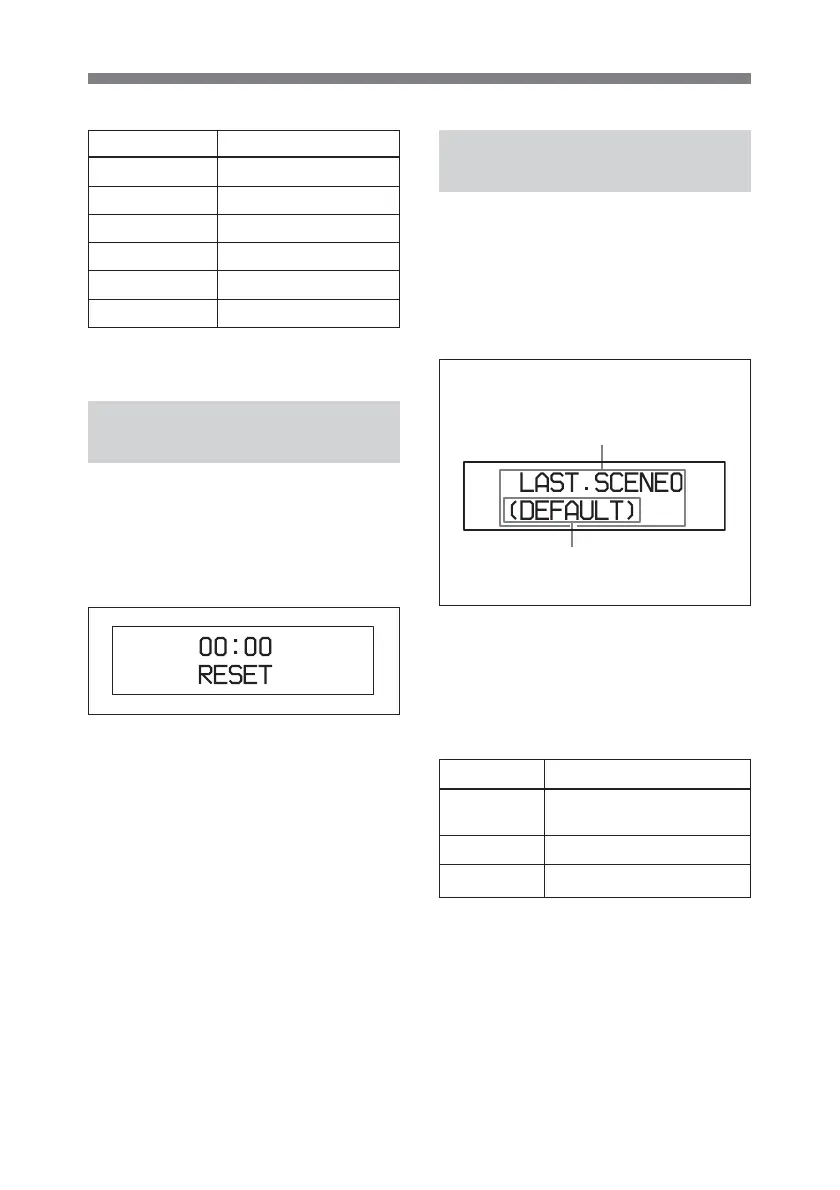
12. HOURS METER sub-menu
When the time is reset, 00:00 appears
in the upper row.
13. POWER ON MODE
Sub-Menu
This sub-menu allows you to select
with which settings the unit starts
when the power is turned on.
13. POWER ON MODE sub-menu
Turning the ADJUST knob to the
right changes the setting item in the
following sequence: LAST t
SCENE 0 t DEFAULT.
The selected mode is enclosed in
parenthesis.
Default setting: LAST
The available power on modes are as
follows.
Selection
LAST
SCENE 0
DEFAULT
Status at power on
Same settings as the last
time the unit was used.
Settings stored as Scene 0.
Default settings



 To Next Page