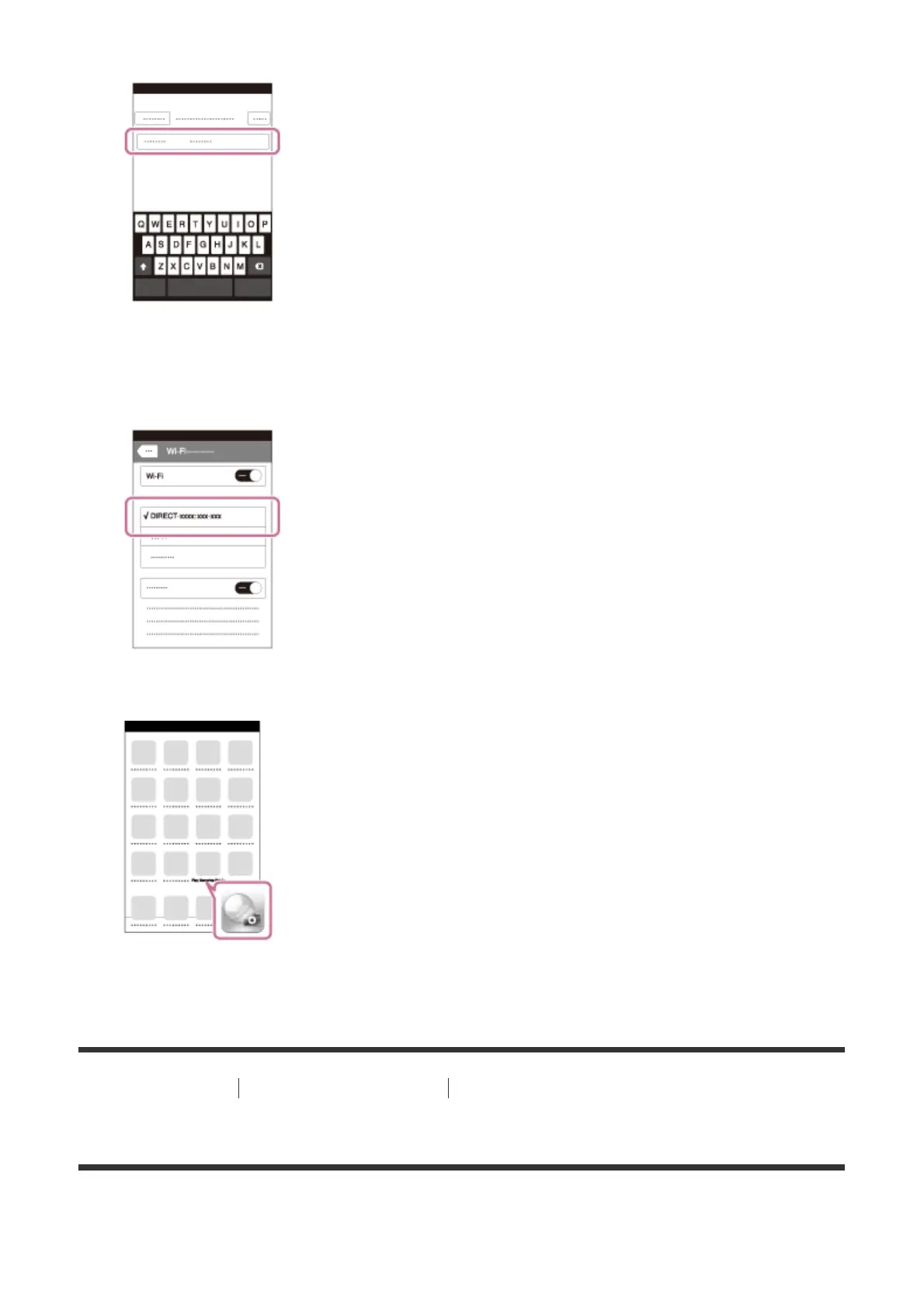
2. Input the password displayed on this product.
The iPhone or iPad is connected to the product.
3. Confirm that your iPhone or iPad was connected to the “SSID” shown on this product.
4. Return to the “Home” screen and launch PlayMemories Mobile.
[214] How to Use Using Wi-Fi functions Connecting this product and a Smartphone
Calling up an application using [One-touch(NFC)]
You can call up a desired application from the application menu of this product by touching
an NFC-enabled Android smartphone to the product. If the application you call up has a













 To Next Page