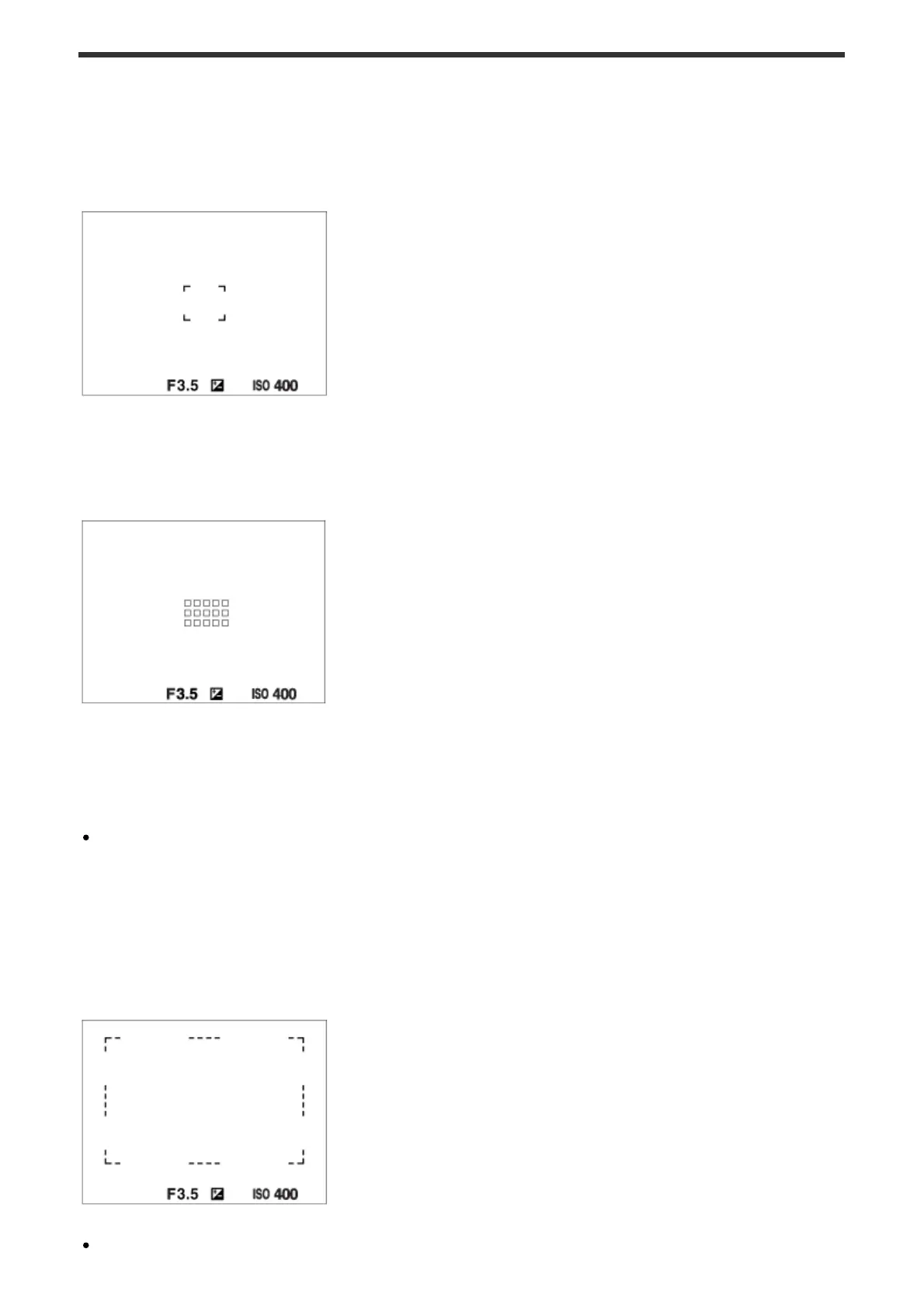
The focus range finder frame differs as follows depending on the shooting mode.
When using contrast AF or phase detection AF mode
When using phase detection AF mode
When [Focus Area] is set to [Wide], and if you aim at a moving subject, the focus range
finder frame may be displayed as above.
When focus is achieved automatically based on the
whole range of the monitor
When you use a zoom function, the [Focus Area] setting is disabled and the focus area













 To Next Page