[Remote Camera Control Help].
Mac:
Finder → [Applications] → [Remote Camera Control], and select [Help] from the menu bar →
[Remote Camera Control Help].
[247] How to Use Using a computer Connecting this product and a computer
Connecting the product to a computer
1. Insert a sufficiently charged battery pack into the product.
2. Turn on the product and the computer.
3. Check from (Setup) that [USB Connection] is set to [Mass Storage].
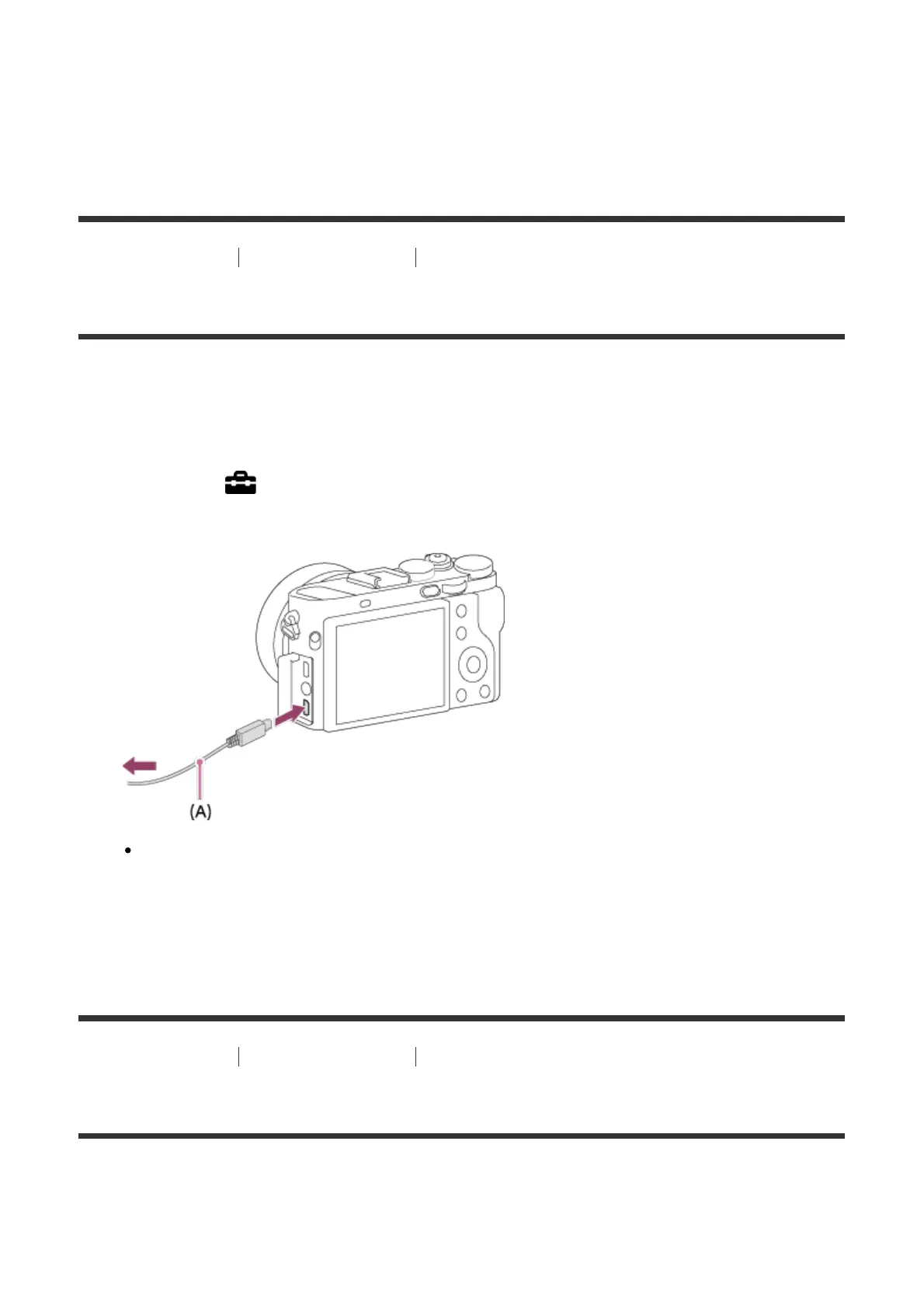
4. Connect the product and your computer using the micro USB cable (supplied) (A) .
If you connect the product to your computer using the micro USB cable when [USB
Power Supply] is set to [On], power is supplied from your computer. (Default setting:
[On])
[248] How to Use Using a computer Connecting this product and a computer
Importing images to the computer
PlayMemories Home allows you to easily import images. For details on PlayMemories Home
functions, see the Help of PlayMemories Home.
Importing images to the computer without using PlayMemories













 To Next Page