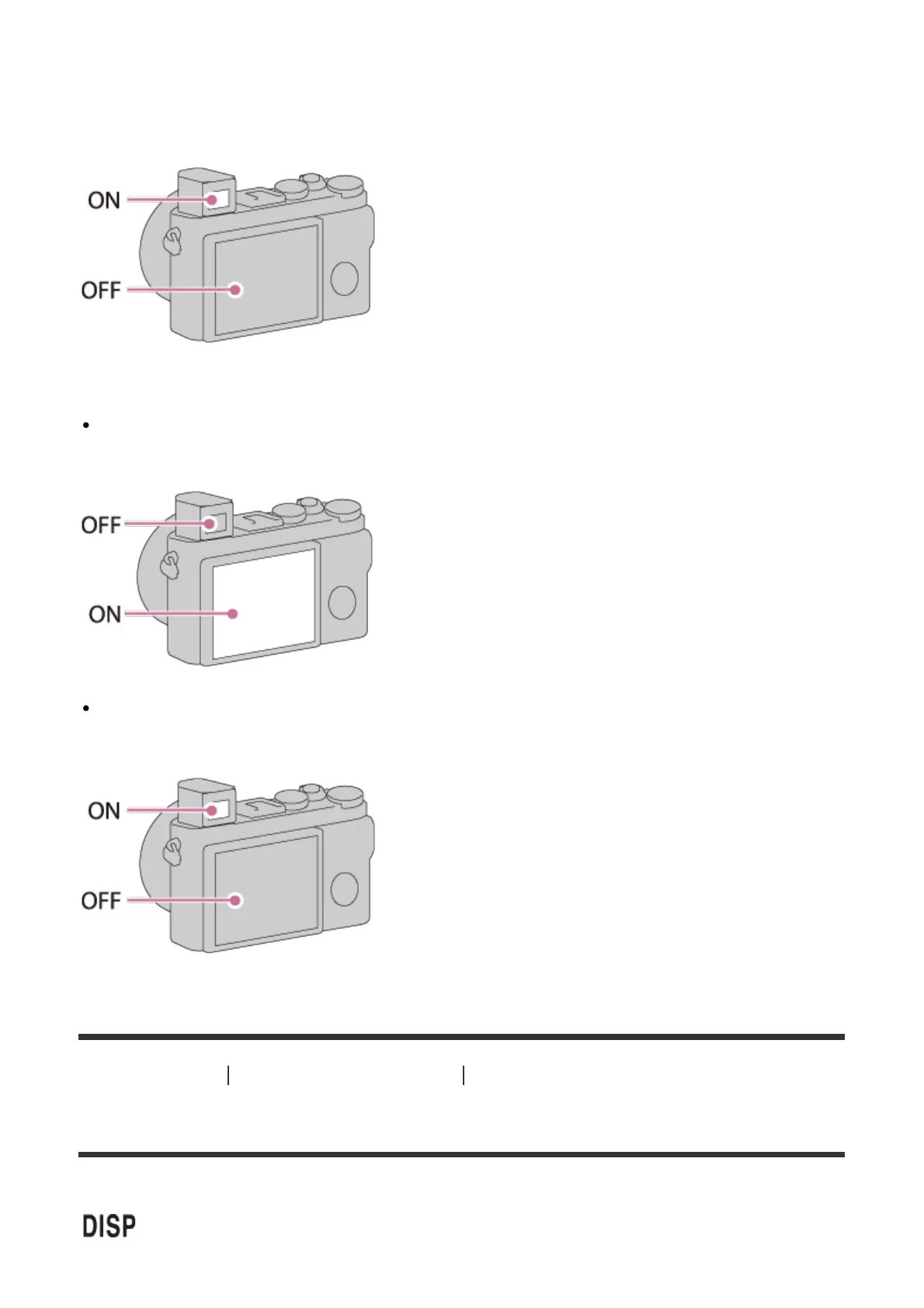
When you look into the viewfinder
If [FINDER/MONITOR] is set to [Auto] or [Viewfinder(Manual)], the image is displayed in the
viewfinder only.
When you are not looking into the viewfinder
If [FINDER/MONITOR] is set to [Auto] or [Monitor(Manual)], the image is displayed only
on the screen.
If [FINDER/MONITOR] is set to [Viewfinder(Manual)], the image is displayed in the
viewfinder only.
[55] How to Use Using shooting functions Selecting a screen display mode
DISP Button (Finder)
Allows you to set the screen display modes that can be selected for the viewfinder using
(Display Setting) in shooting mode.













 To Next Page