Cyber-shot User Guide
PrintSearch
Before Use
Confirming the operation
method
Shooting
Viewing
Useful shooting functions
Useful viewing functions
Changing settings
Viewing images on a TV
Using with your computer
Printing
Troubleshooting
Precautions/About this camera
Contents list
Top page > Confirming the operation method > Confirming the operation method > Using MENU items
(Viewing)
Using MENU items (Viewing)
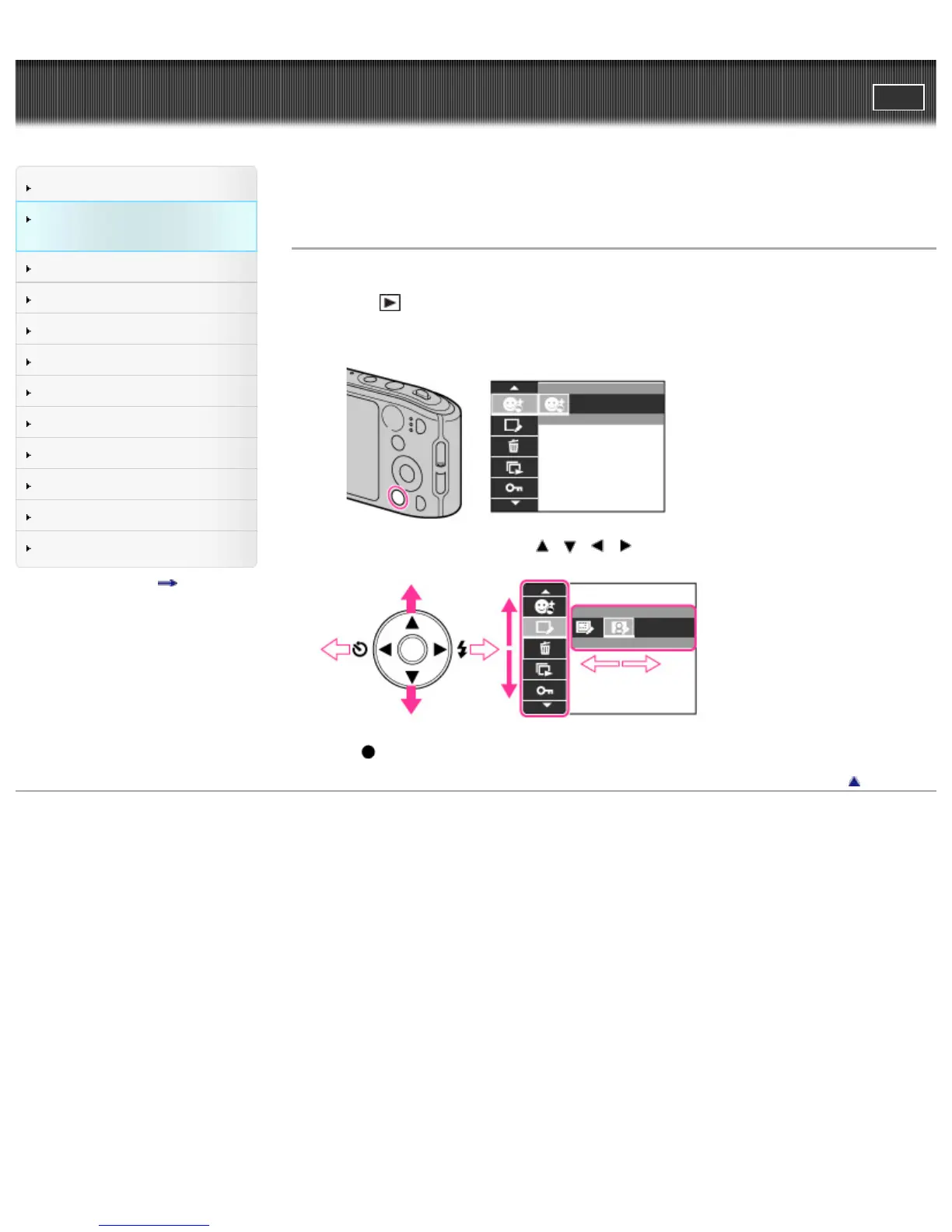
You can select the various viewing functions easily from the MENU button.
1. Press the
(Playback) button to switch to playback mode.
2. Press the MENU button to display the Menu screen.
3. Select the desired menu item with / / / on the control button.
4. Press on the control button.
Back to top
Copyright 2013 Sony Corporation



 To Next Page