Cyber-shot User Guide
PrintSearch
Before Use
Confirming the operation
method
Shooting
Viewing
Useful shooting functions
Useful viewing functions
Changing settings
Viewing images on a TV
Using with your computer
Printing
Troubleshooting
Precautions/About this camera
Contents list
Top page > Useful viewing functions > MENU items (Viewing) > Delete
Delete
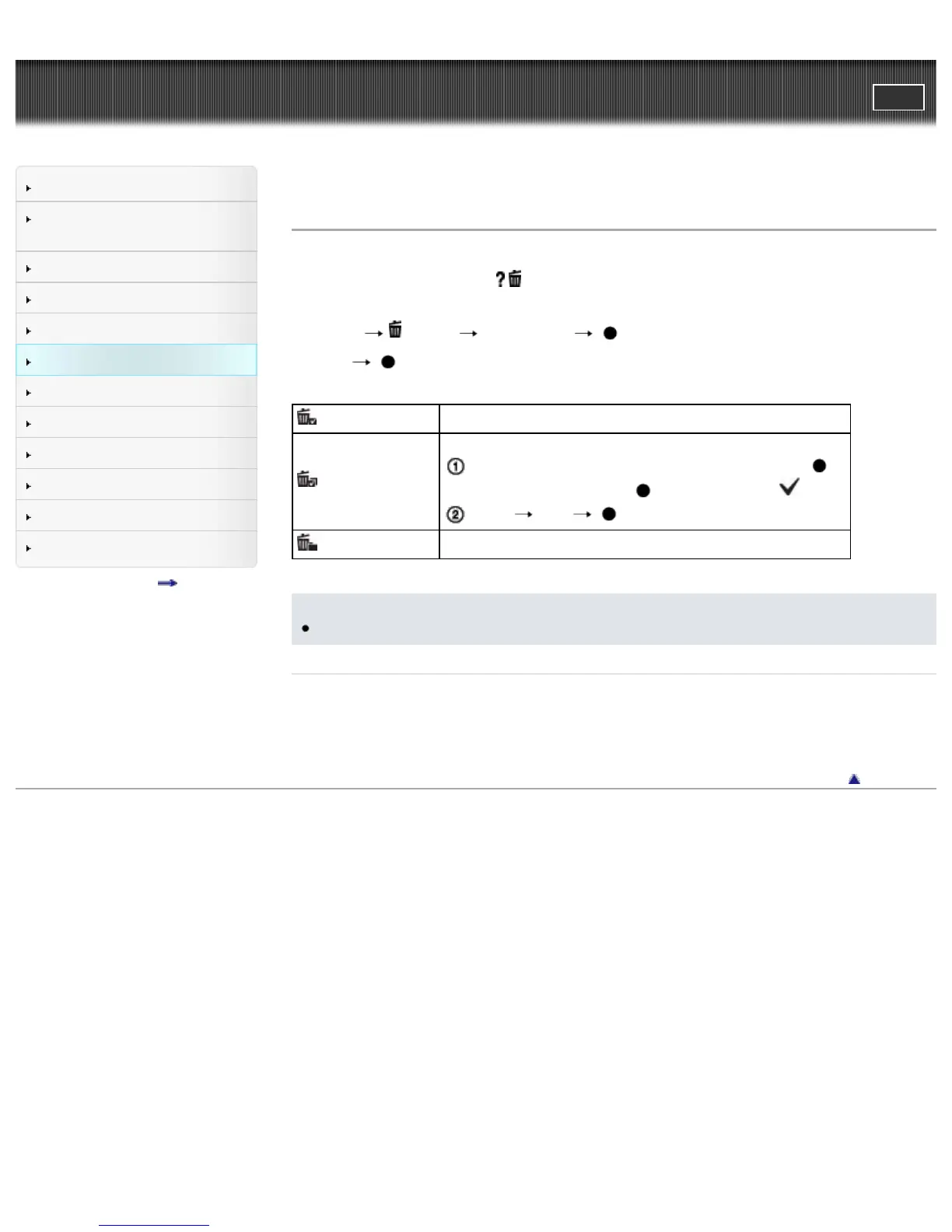
Allows you to select unwanted images for deletion.
You can also delete image using
/ (Delete) button [Details].
1. Set the camera to playback mode.
2. MENU
(Delete) desired mode on the control button
3. [OK]
(This Image)
Deletes the currently displayed image in single-image mode.
(Multiple Images)
Allows you to select and delete multiple images.
After step 2, select an image to be deleted, then press .
To cancel the selection, press
again to cancel the mark.
MENU [OK]
(All in This Folder)
Deletes all still images and movies in the selected folder at once.
Notes
In Easy Mode, you can select from [1 image] or [All].
Related Topic
Deleting images
Back to top
Copyright 2013 Sony Corporation



 To Next Page