Cyber-shot User Guide
PrintSearch
Before Use
Confirming the operation
method
Shooting
Viewing
Useful shooting functions
Useful viewing functions
Changing settings
Viewing images on a TV
Using with your computer
Printing
Troubleshooting
Precautions/About this camera
Contents list
Top page > Useful viewing functions > MENU items (Viewing) > Slideshow
Slideshow
Images are automatically played back in succession.
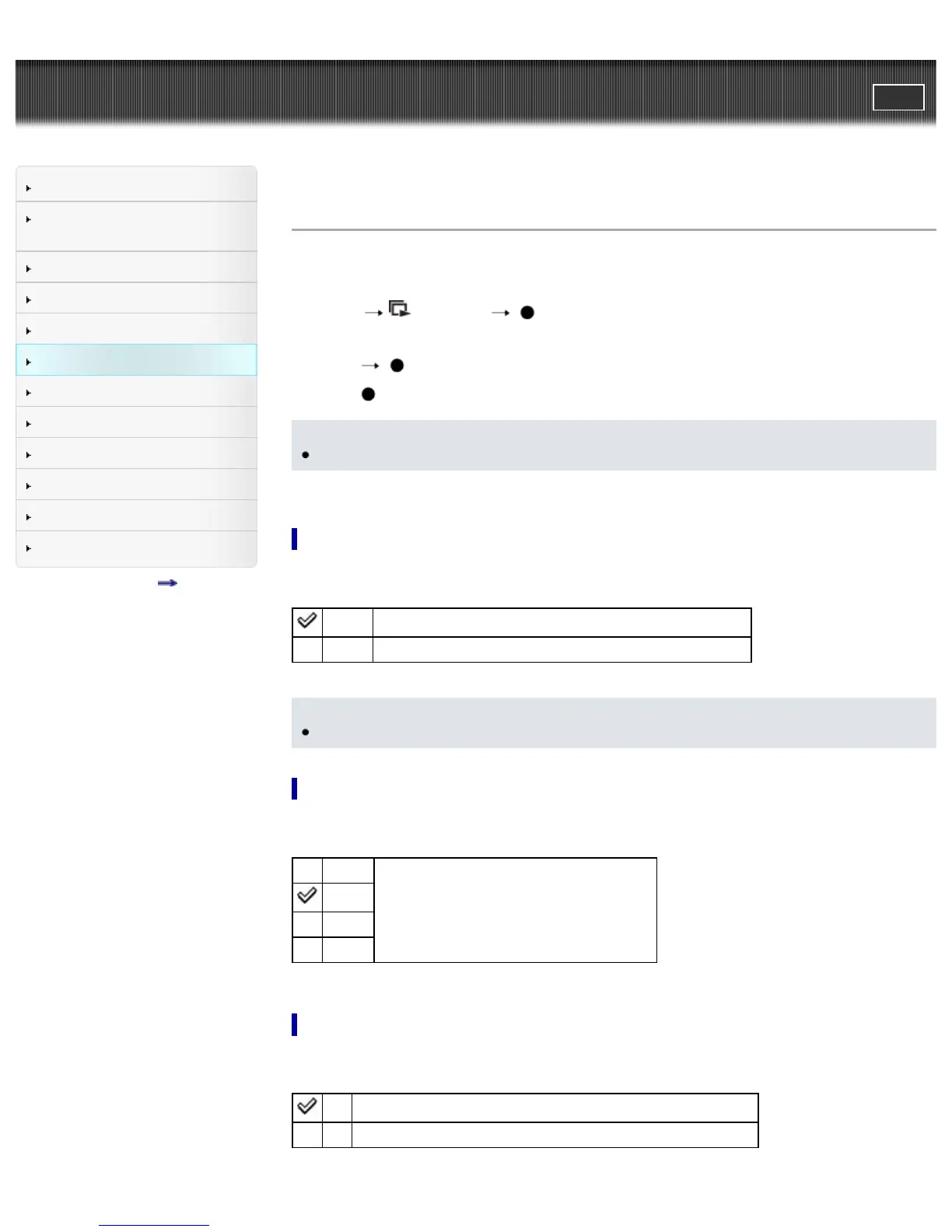
1. Set the camera to playback mode.
2. MENU
(Slideshow) on the control button.
3. Select a desired setting.
4. [Start]
5. Press to end the slideshow.
Notes
You cannot play back movies or panorama images.
Playback Selection
Selects the group of images to be shown.
All Plays a slideshow of all the images in order.
Folder Plays a slideshow of images in the currently selected folder.
Notes
This setting is fixed to [Folder] when the internal memory is used to record images.
Interval
Sets the screen switching interval.
1 sec
Switches the screen at the selected interval.
3 sec
5 sec
10 sec
Repeat
Turns slideshow repeat on or off.
On Plays back images in a continuous loop.
Off After all the images have been played back, the slideshow ends.



 To Next Page