Using the shooting function
91
Note
• When you press the shutter button without looking into the viewfinder, use the
eyepiece cover (page 26).
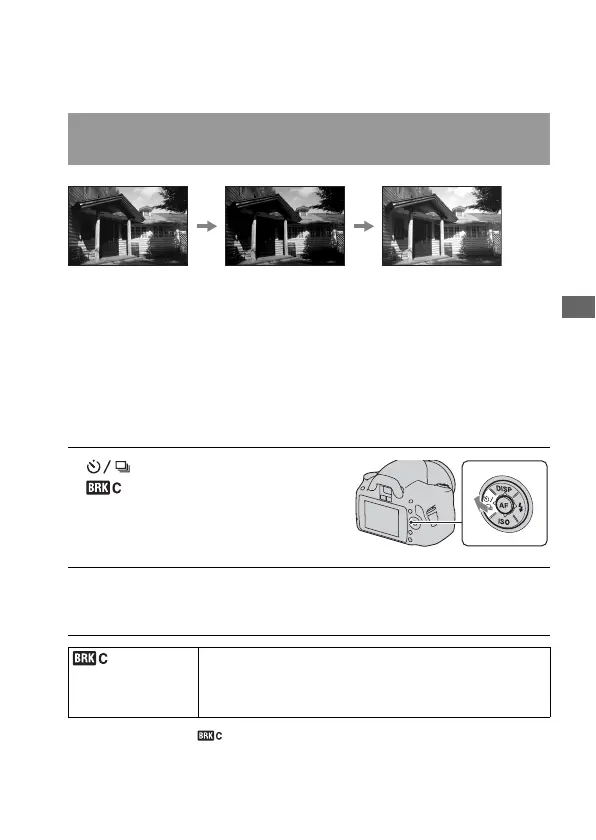
Bracket shooting allows you to shoot several images, each with different
degrees of exposure. This camera is equipped with an auto bracket
function. Specify the value of deviation (steps) from the base exposure, and
the camera shoots while automatically shifting the exposure. You can
choose an image that has the brightness you like after shooting is finished.
When the flash is fired, flash bracket shooting is used to shift the amount of
flash light. To shoot, press the shutter button shot by shot.
* _ EV displayed with is the step currently selected.
Shooting images with the exposure shifted (Exposure
bracket)
1 on the control button t
(Bracket: Cont.) t Select
the desired bracket step
2 Adjust the focus and shoot the subject.
The base exposure is set at the first shot in the bracket.
* (Bracket:
Cont.)
Shoots three images with the exposure shifted by a selected
step.
Press and hold the shutter button until the recording stops.
When the flash is fired, press the shutter button shot by shot.
Base exposure
– direction
+ direction



 To Next Page
 Loading...








