Playback
13
*
1
When a DVD (VR mode) is played, “PL”
(playlist) or “ORG” (original) is displayed
next to the title number.
*
2
To select the number, use X/x or the number
buttons.
To turn off the display
Press DISPLAY or RETURN.
b
Depending on the disc, you may not be able to
set some items.
Playing MP3, JPEG,
and Video Files
You can play MP3, JPEG, and video files.
For details on playable files, see “Playable
Media” (page 24).
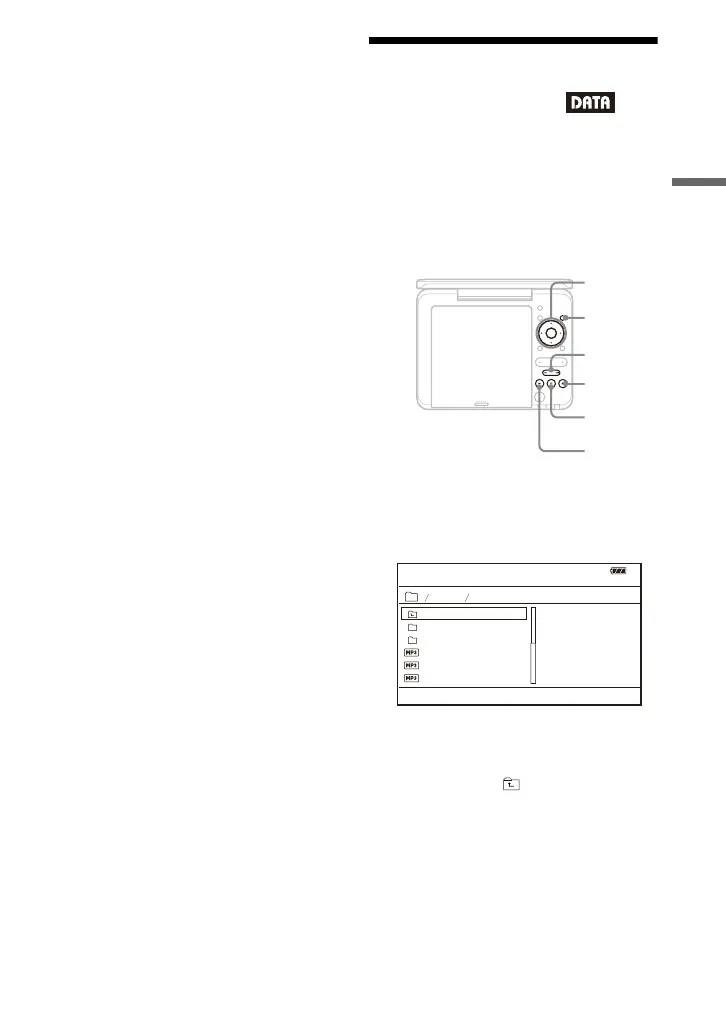
When you set a DATA media, a list of
albums appears. Depending on the disc,
playback starts automatically.
1 Press X/x to select the album,
and press ENTER.
Example: The list of MP3 files
• To go to the next or previous page,
press > or ..
• To return to the list of albums, press
X/x to select and press ENTER.
2 Press X/x to select the file, and
press N or ENTER.
Playback starts from the selected file.
PUSH CLOSE
INPUT SELECT
DISPLAY MENU
RETURN
OPEN
OPTIONS
ENTER
VOLUME
MENU
x
C/X/x/c
ENTER
X
N
./>
. .
MY BEST
Dir:001
01 Stardust
BEST3
03 Wing
02 Fire
BEST HITS
,continued



 To Next Page