16
Settings and Adjustments
Using the Setup Display
Some discs have stored playback settings,
which take priority.
1 Press OPTIONS when the player
is in stop mode.
During Resume Play, you cannot use
the setup display. Press x twice and
press OPTIONS.
2 Press X/x to select “Setup,”
and press ENTER.
3 Press X/x to select the setup
category and press ENTER.
: General Setup (page 16)
Makes the player-related settings.
: Audio Setup (page 17)
Makes the audio settings according to
playback conditions.
: Language Setup (page 18)
Makes the language settings for the
on-screen display or sound track.
: Parental Control (page 18)
Sets the parental control limit.
4 Select and adjust each of the
following items by pressing X/x
and ENTER.
To turn off the setup display
Press OPTIONS or RETURN.
General Setup
The default settings are underlined.
◆ TV Display
Selects the aspect ratio of the connected
TV.
When you watch images on the LCD
screen of this player, set “16:9” for “TV
display” setting.
b
Depending on the disc, “4:3 Letter Box” may be
selected automatically instead of “4:3 Pan Scan”
or vice versa.
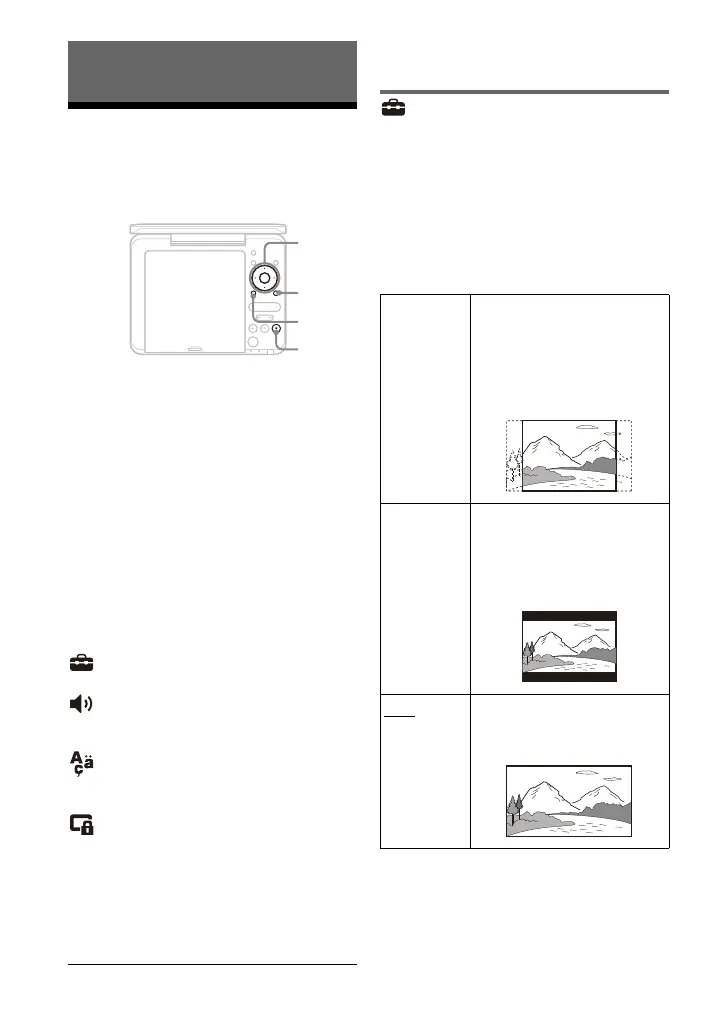
PUSH CLOSE
INPUT SELECT
DISPLAY MENU
RETURN
OPEN
OPTIONS
ENTER
VOLUME
C/X/x/c
ENTER
OPTIONS
x
RETURN
4:3
Pan Scan
Select this when you connect
a 4:3 screen TV.
Automatically displays a
wide picture on the entire
screen and cuts off the
portions that do not fit.
4:3
Letter Box
Select this when you connect
a 4:3 screen TV. Displays a
wide picture with bands on
the upper and lower portions
of the screen.
16:9
Select this when you connect
a wide-screen TV or a TV
with a wide mode function.



 To Next Page