Adjusting the LCD ScreenAdjusting the LCD Screen
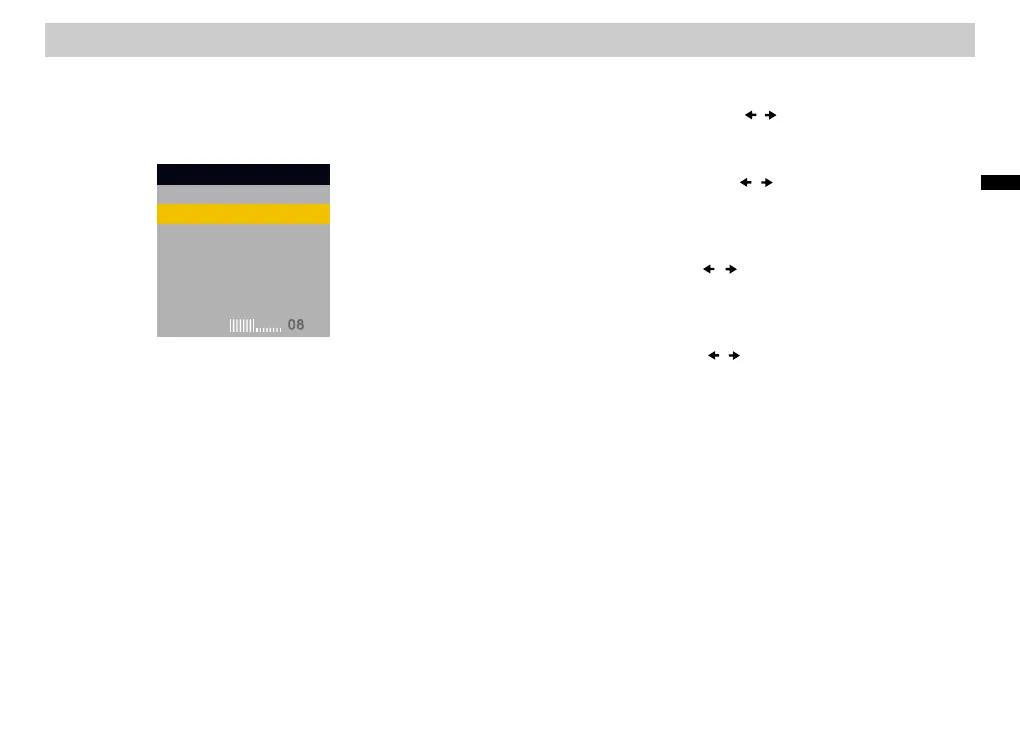
Select Backlight and press / to adjust the brightness.“ ”
1. Adjusting Backlight1. Adjusting Backlight
2. Adjusting Contrast2 Adjusting Contrast
3. Adjusting the Hue3 Adjusting the Hue
Select Contrast and press / to adjust “ ” the difference
between light and dark areas.
Select Hue and press / to adjust the red and green
color balance.
“ ”
Select Color and press / to adjust the richness of colors.“ ”
By pressing Default , all settings return to the preset factory
values.
“ ”
5. Default5. Default
Press the [LCD MODE] button to display the menu.
Playing Discs (continued)
MenuMenu
LCD Aspect
Backlight
Contrast
Hue
Color
Default
LCD Aspect
Backlight
Contrast
Hue
Color
Default
BacklightBacklight
4. Adjusting the Color4 Adjusting the Color
25
B
a
s
ic
O
s
per
a
t
i
o
n













 To Next Page