3. Use the [ ] / [ ] button to select a Parental Control
level from 1 to 8.
Parental Control Levels 1-8:
Parental one (1) has the most restrictions and Parental
eight (8) has the least.
4. Confirm the Parental Control Level by pressing [ENTER].
Press [ SET UP ] to close the menu.
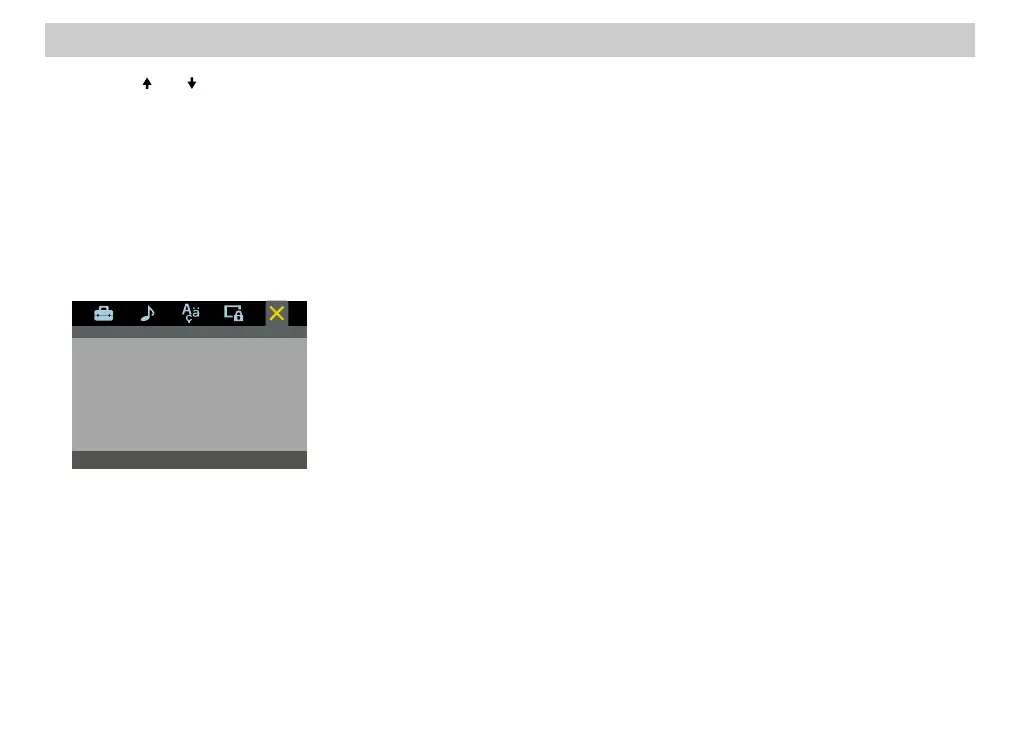
Exit SET UP MenuExit SET UP Menu
To exit from SET UP Menu, select “the exit setup option”.
SET UP can also be ended by pressing [SET UP] or
[RETURN].
Set Up Menu (continued)
46














 To Next Page