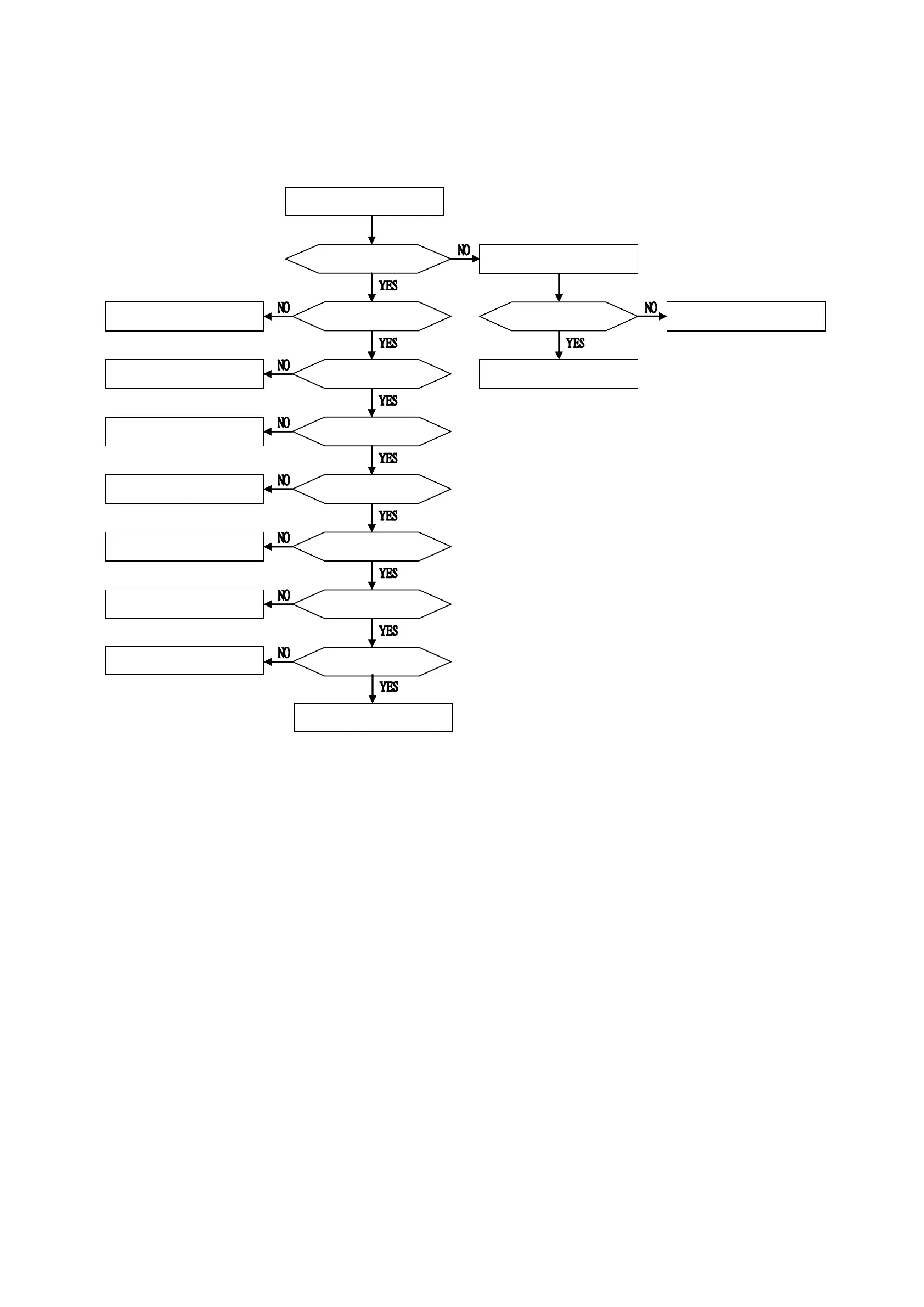
8-1. ELECTRICAL TROUBLE SHOOTING GUIDE
Power on with an internal Battery.
Power on with AC adapter.
Replace the Main board.
Power green LED on
Does the Desktop
wallpaper appear?
Power green LED on
1.Charge the Battery.
2.Replace the Battery.
Is the video output normal?
Replace the Main board.
1.Replace the LCD board.
2.Replace the LCD screen.
Does LCD display normal?
(no horizontal line or others)
Replace the LCD screen.
Does the unit playback DVDs?
Does the unit playback CDs?
Replace the Traverse.
1.Replace the Traverse.
2.Replace the Main board.
1.Replace the Remote control.
2.Replace the Main board.
Consult with SONY service HQ
in each.
Do the Touch button
work normally?
Replace the Main board.
Does remote Control
work normally?



 To Next Page