Help Guide
Wireless Microphone
ECM-W3 / ECM-W3S
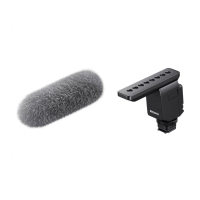
Attaching the wind screen
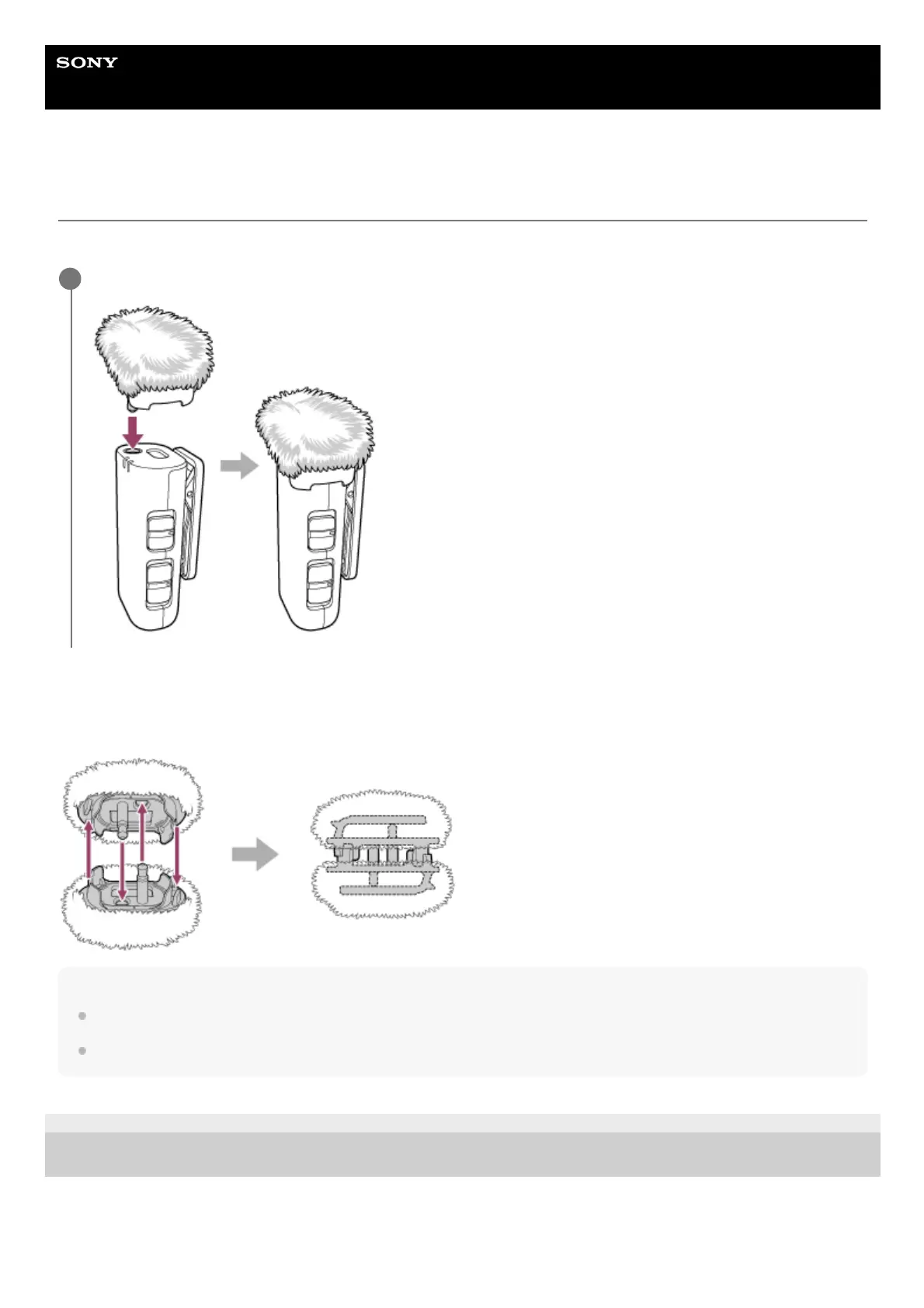
Attach the wind screen to the microphone to reduce noises caused by breath or strong wind.
When carrying around the wind screen (ECM-W3)
As illustrated below, you can couple two wind screens together for carrying around.
Note
If the wind screen is wet, remove it from the microphone and let it dry in the shade.
When attaching or removing the wind screen, be sure to hold its chassis.
5-055-395-11(1) Copyright 2023 Sony Corporation
Fit the projected portion of the wind screen into the external microphone input jack on the microphone.
1



 To Next Page