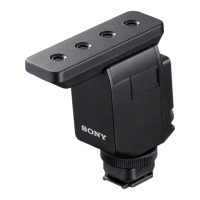
Help Guide
Wireless Microphone
ECM-W3 / ECM-W3S
Use this Help Guide when you have issues or questions on how to use your wireless microphone.
This Help Guide is provided commonly for two models: ECM-W3 and ECM-W3S. For illustrations applied to the
descriptions common to both models, those of ECM-W3 are used.
Compatible cameras
This unit is compatible with a camera that has a Multi Interface Shoe such as a Sony Interchangeable Lens Digital
Camera.
- Even if your camera has a Multi Interface Shoe, you may be unable to use it with this unit or some functions may not
work.
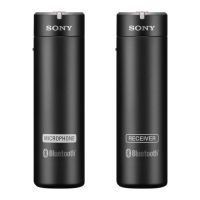
- The receiver and the microphone of this unit are factory-set to communicate with each other. Therefore, operations
usually needed for Bluetooth devices such as pairing and passkey entry are not necessary. With any Bluetooth device
other than the receiver and the microphone of this unit, on the other hand, communication is not possible.
For camera models compatible with this unit, view the following. (Another window will open.)
- Compatible models with ECM-W3
- Compatible models with ECM-W3S
When the message “This accessory is not supported by the device and cannot be used.” is
displayed on the camera:
View here.
Locating parts and controls
Preparations
Unpacking
Charging the built-in batteries
Attaching the receiver to a camera
Connecting the receiver to a computer or a smartphone
Attaching the microphone to clothing
Attaching the wind screen
Attaching the connector protect holder/stand
Recording
About the mode switch (ECM-W3)
About the SAFETY button

 Need help?
 General

 To Next Page