14
Labelling a CD
— Disc Memo (For a CD unit with the
CUSTOM FILE function)
You can label each disc with a custom name
(Disc Memo). You can enter up to 8 characters
for a disc. If you label a CD, you can locate the
disc by name (page 15).
1 Start playing the disc you want to label
in a CD unit with the CUSTOM FILE
function.
2 Press (PTY) (LIST) for 2 seconds.
The unit will repeat the disc during the
labelling procedure.
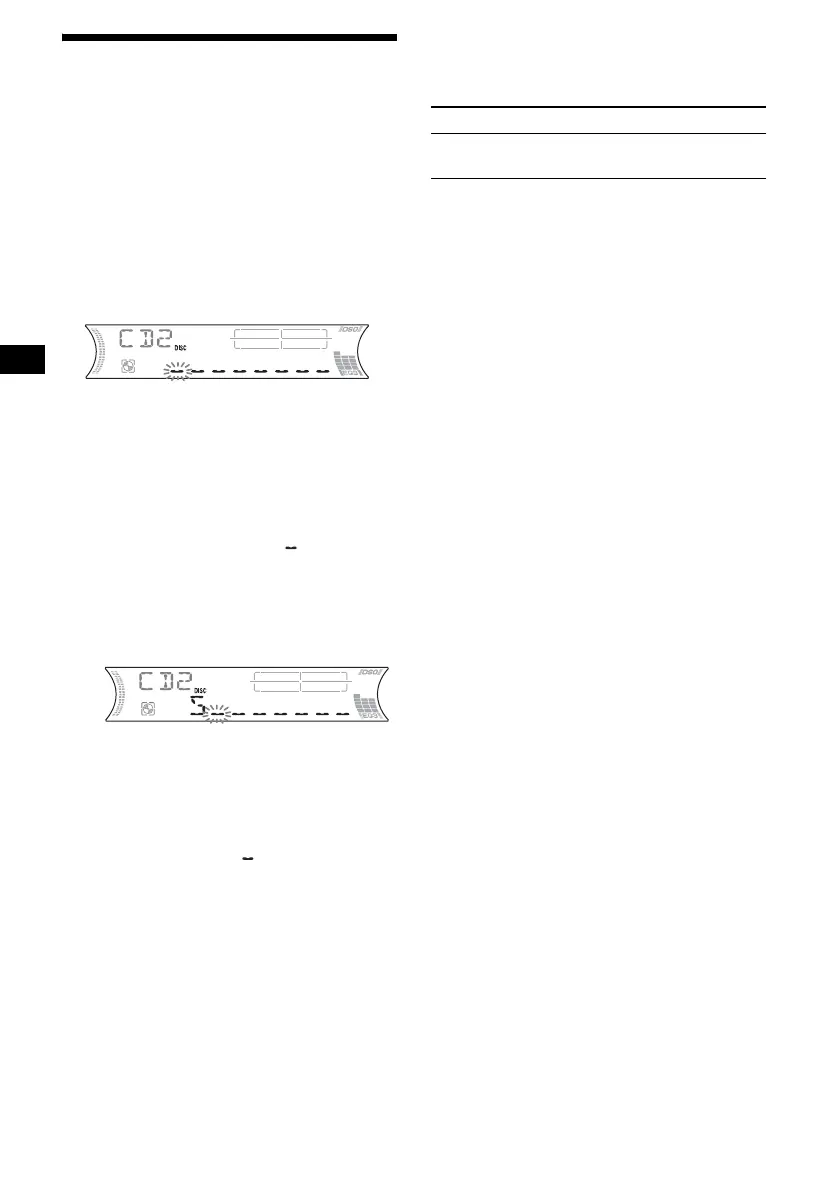
3 Enter the characters.
1 Press the volume +/– button to
select the desired character.
A y B y C ... y 0 y 1 y 2 ...
y + y – y
*
... y * y A
*(blank space)
2 Press (SEL) after locating the
desired character.
The next character flashes.
3 Repeat steps 1 and 2 to enter the
entire name.
4 To return to normal play mode, press
(PTY) (LIST) for 2 seconds.
Tips
• Simply overwrite or enter “ ” to correct or erase a
character.
• You can label CDs on a unit without the CUSTOM
FILE function if that unit is connected along with a
CD unit that has the function. The Disc Memo will be
stored in the memory of the CD unit with the
CUSTOM FILE function.
Note
REP-TRACK/SHUF play is suspended until the name
edit is complete.
Viewing the Disc Memo
As a display item, the Disc Memo always takes
priority over any original CD TEXT information.
Tip
Other items can be displayed (page 12).
Erasing the Disc Memo
1 Press (SOURCE) repeatedly to select
“CD.”
2 Press (MODE) repeatedly to select the
CD unit storing the Disc Memo.
3 Press (PTY) (LIST) for 2 seconds.
4 Press (DSPL) for 2 seconds.
The stored names will appear.
5 Press the volume +/– button
repeatedly to select the disc name you
want to erase.
6 Press (SEL) for 2 seconds.
The name is erased.
Repeat steps 5 and 6 if you want to erase
other names.
7 Press (PTY) (LIST) for 2 seconds.
The unit returns to normal play mode.
Notes
• When the Disc Memo for a CD TEXT disc is erased,
the original CD TEXT information is displayed.
• If you cannot find the Disc Memo you want to erase,
try selecting a different CD unit in step 2.
• If you have already erased all of the Disc Memo, the
unit returns to normal play mode in step 4.
To Press
View (DSPL) during CD/CD
TEXT disc playback



 To Next Page