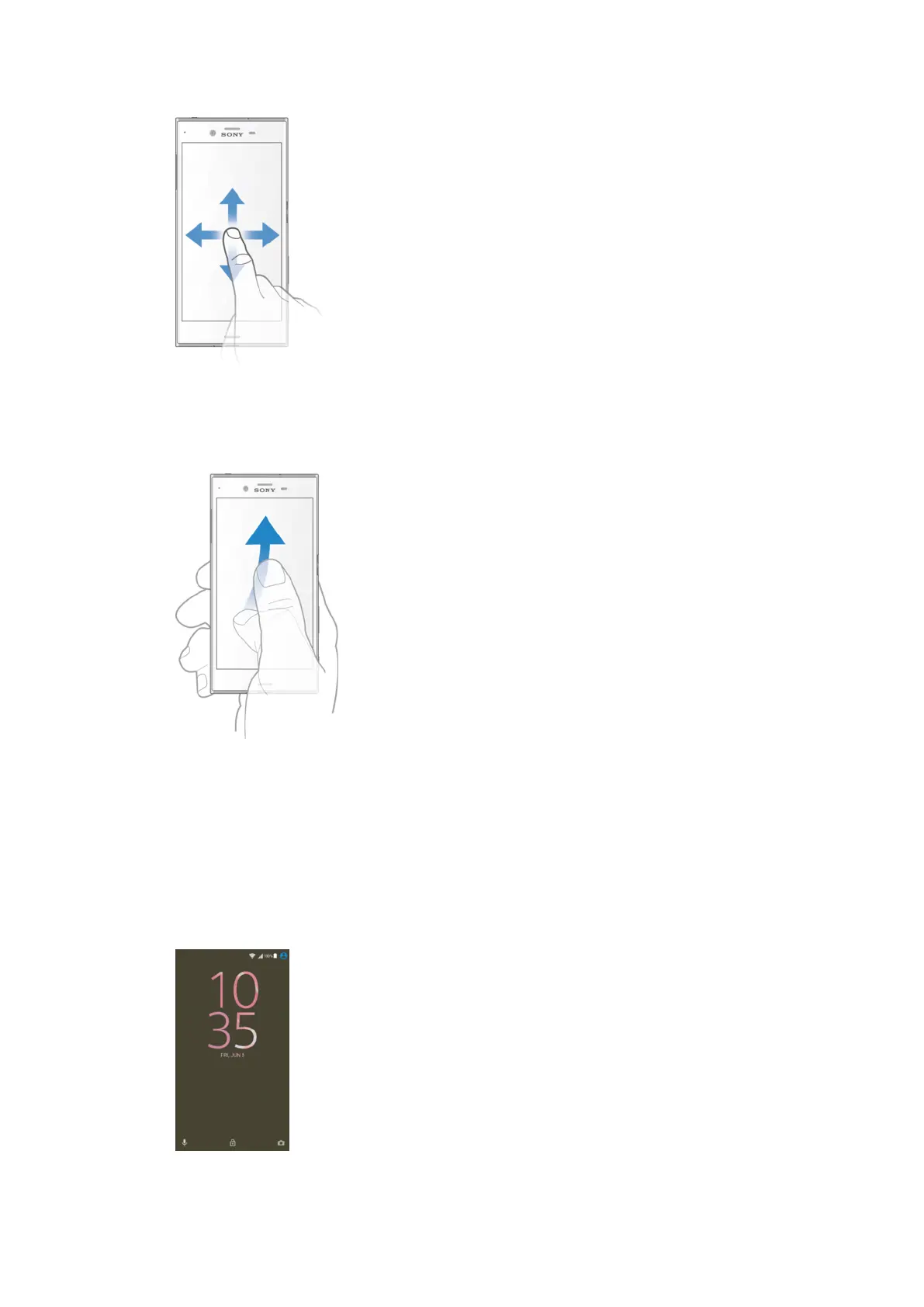
Swiping
•
Scroll up or down a list.
•
Scroll left or right, for example, between Home screen panes.
•
Swipe left or right to reveal more options.
Flicking
•
Scroll quickly, for example, in a list or on a web page. You can stop the scrolling
movement by tapping the screen.
Locking and unlocking the screen
When your device is on and left idle for a set period of time, the screen darkens to
save battery power and locks automatically. This lock prevents unwanted actions on
the touchscreen when you are not using it. When you buy your device, a basic screen
swipe lock is already set. This means that you have to swipe left or upwards on the
screen to unlock it. You can change the security settings later and add other kinds of
locks. See
Screen lock
on page 12.
24
This is an Internet version of this publication. © Print only for private use.















 To Next Page