Shooting movies and still images
Shooting still images (Photo mode)
Record still images.
[22] Shooting
Shooting movies and still images
Time-lapse capture mode
The camera records still images at regular intervals and stops shooting when it reaches the set
number.
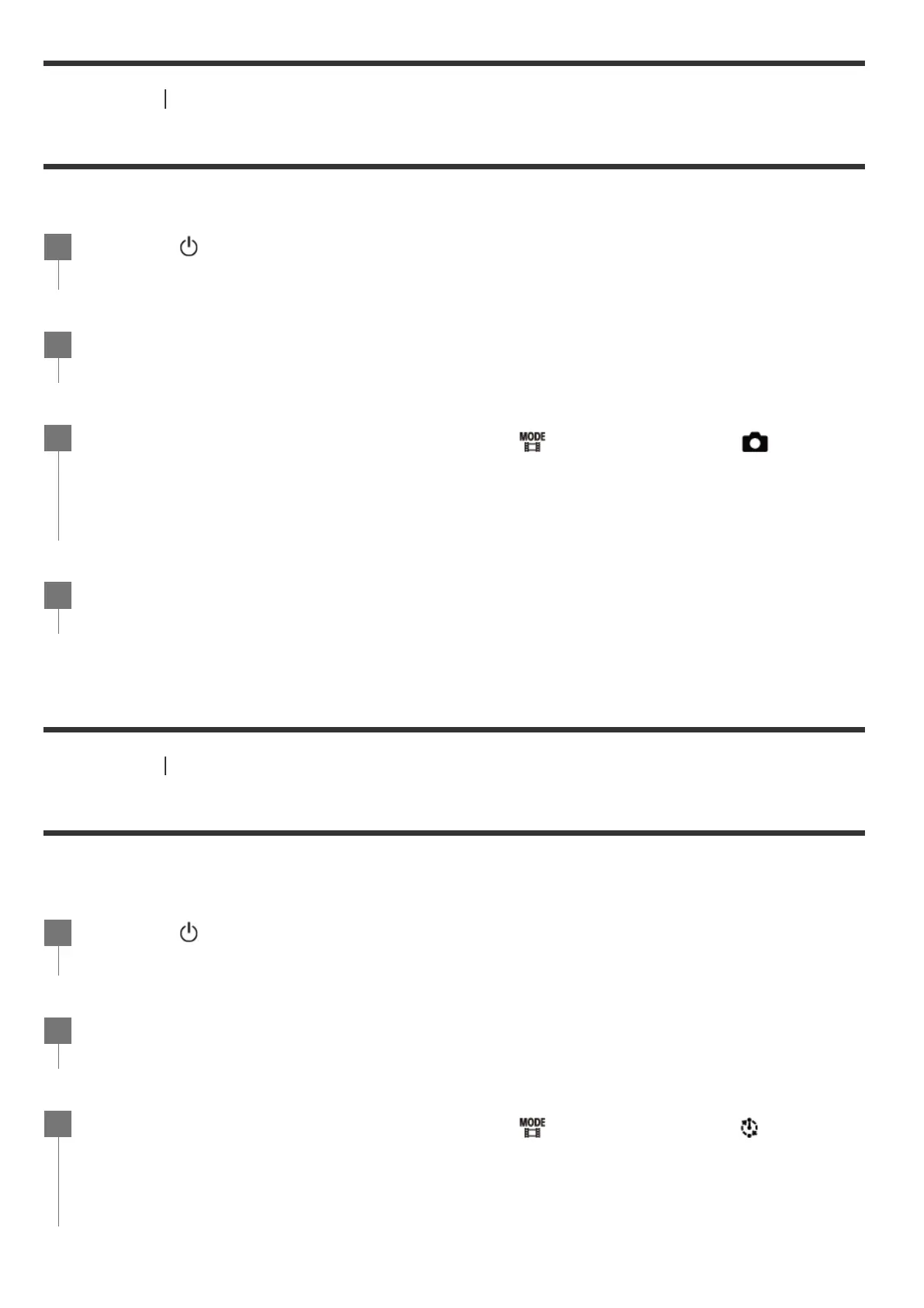
Press the (on/standby) button to turn on the power.
1
Press the MENU button.
2
Press the UP button or DOWN button to select
*
(shooting mode) - (Photo
mode), then press the REC/ENTER button.
3
The icon of the current selected shooting mode is displayed.
*
Press the REC/ENTER button to shoot.
4
Press the
(on/standby) button to turn on the power.
1
Press the MENU button.
2
Press the UP button or DOWN button to select
*
(shooting mode) - (Time-
lapse capture mode), then press the REC/ENTER button.
3
The icon of the current selected shooting mode is displayed.
*



 To Next Page