speed.
[29] Changing the Settings
Shooting settings
Movie format
Select the movie format for shooting movies or loop recording.
[30] Changing the Settings
Shooting settings
Time-lapse capture image size
You can set the image size of still images shot during time-lapse capture.
Press the MENU button.
1
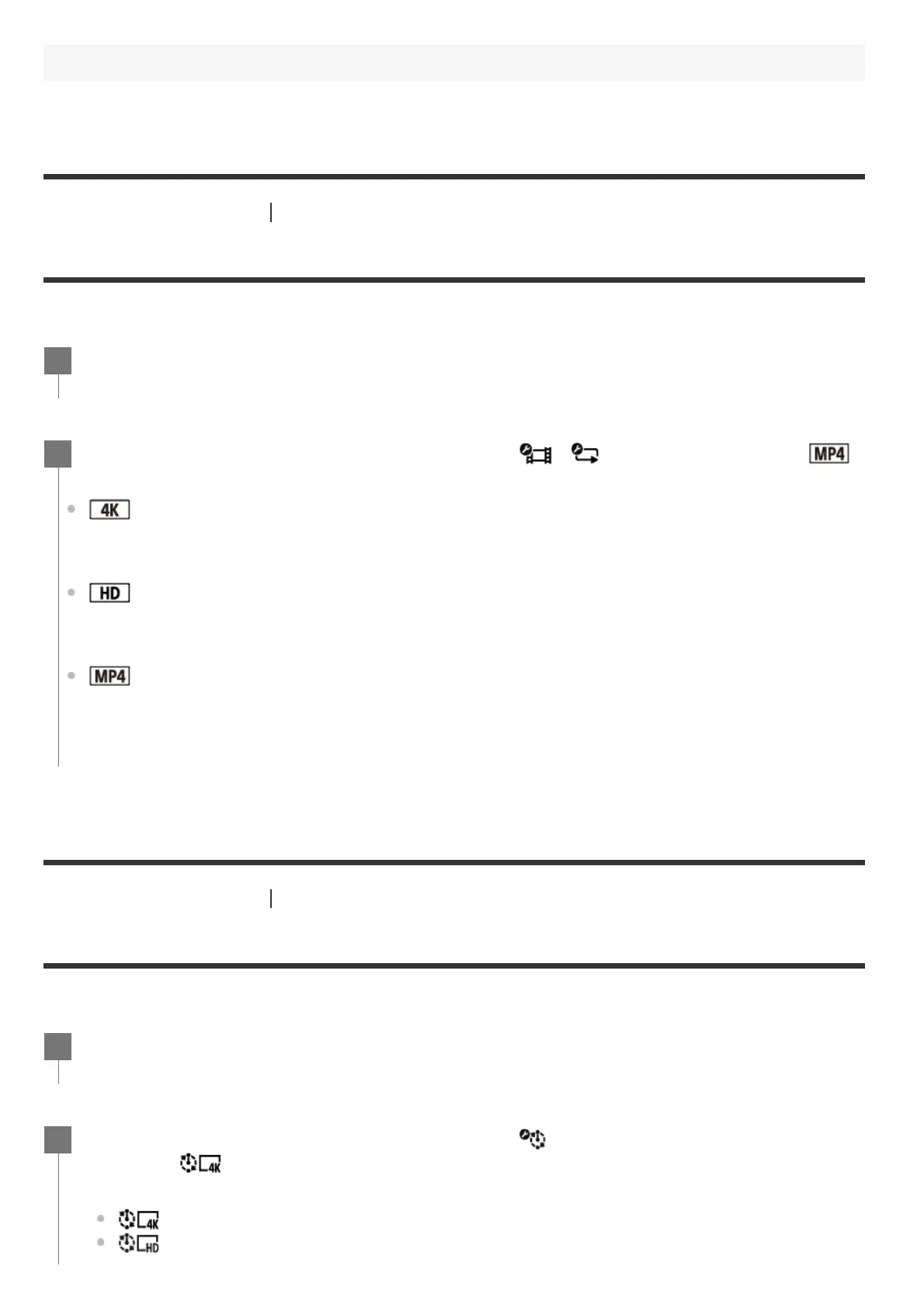
Press the UP button or DOWN button to select / (Shooting settings) -
(Movie format) - setting value, then press the REC/ENTER button.
: Records a 4K (XAVC S) movie (FDR-X3000).
Select the desired image quality from the image quality setting.
: Records a HD (XAVC S) movie.
Select the desired image quality from the image quality setting.
: Records an MP4 movie.
Select this format if you want to transfer to your smartphone or upload to a website.
2
Press the MENU button.
1
Press the UP button or DOWN button to select (Time-lapse capture mode
setting) -
(Time-lapse capture image size) - setting value, then press the
REC/ENTER button.
(Shoots still images in 4K (3840 x 2160) (image size 8.3 M))
(Shoots still images in HD (1920 x 1080) (image size 2.1 M))
2



 To Next Page