[63] Changing the Settings
Camera settings
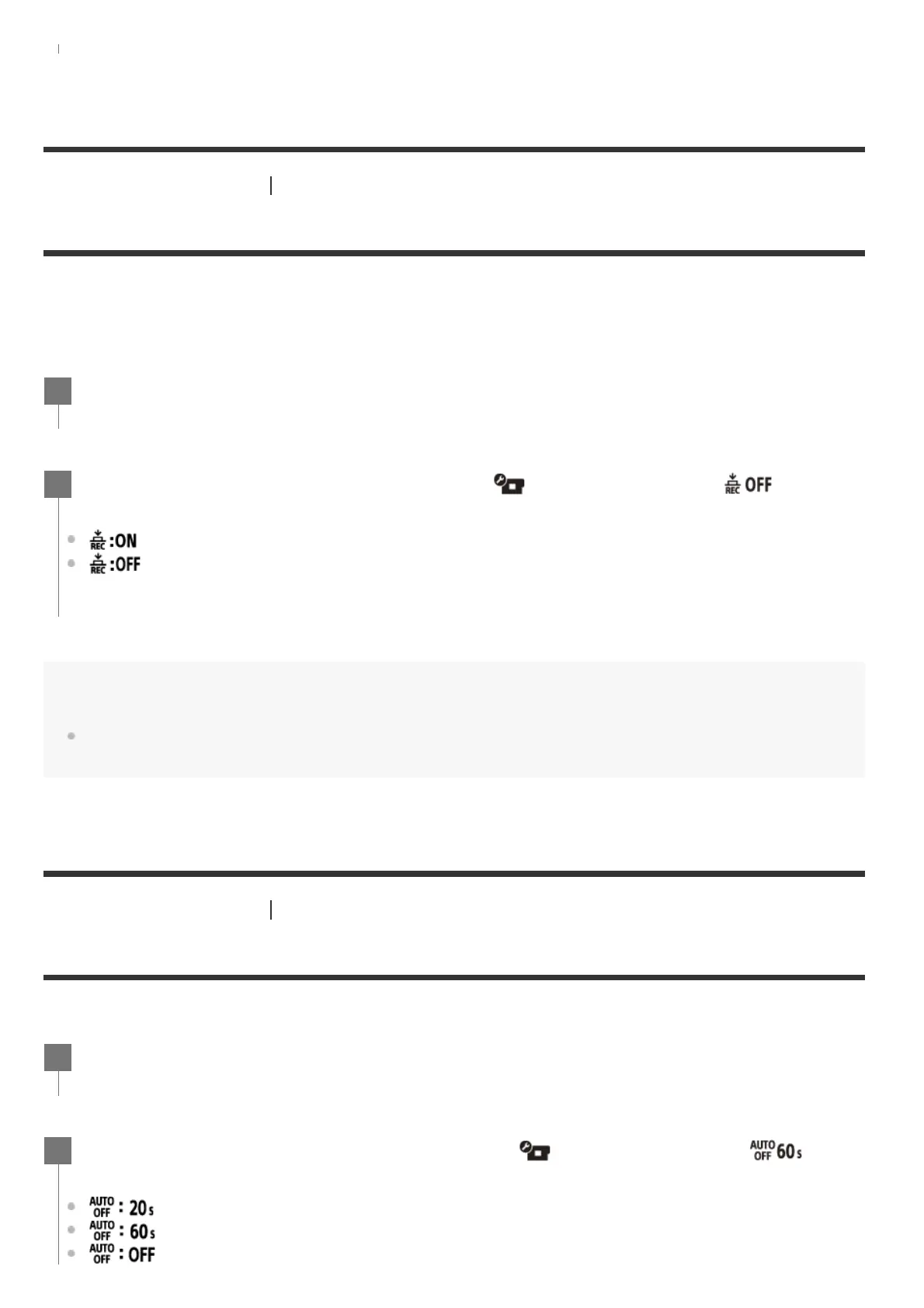
One touch recording
Press the
REC/ENTER button of the camera while the camera is turned off, and the camera will turn
on and start recording.
This function is available when the shooting mode is movie, time-lapse capture, loop recording, or live
streaming.
Note
With One touch recording, the recording will start in the shooting mode that was set immediately before the
power was turned off.
[64] Changing the Settings
Camera settings
Auto power off
You can change the setting of the auto power off function.
Press the MENU button.
1
Press the UP button or DOWN button to set (Camera Settings) - (One
touch recording) - setting value, then press the REC/ENTER button.
(One touch recording enabled)
(One touch recording disabled)
2
Press the MENU button.
1
Press the UP button or DOWN button to select (Camera Settings) - (Auto
power off) - setting value, then press the REC/ENTER button.
(Turns the power off after about 20 seconds)
(Turns the power off after about 60 seconds)
(Does not turn off automatically)
2



 To Next Page