Note
Continuous movie shooting time is approximately 13 hours maximum.
However, when the “Movie format” is set to MP4 and the imaging frame rate is 240p/200p in high speed
recording, the continuous movie shooting time is approximately 4 hours 50 minutes maximum, when the
imaging frame rate is 120p/100p in high speed recording, the continuous movie shooting time is
approximately 9 hours 40 minutes maximum.
The times shown are recordable times using a Sony memory card.
When you play images recorded in high speed, the frame rate will be 60p/50p, and playback will be standard
/
(FDR-X3000)
Recorded image: XAVC S 60 Mbps High speed recording
*3
Resolution: 1920×1080
Imaging frame rate
*1
: 120p/100p
Playback frame rate
*1
: 120p/100p
*5
When movie format is set to (recording in XAVC S) (FDR-X3000)
/
*4
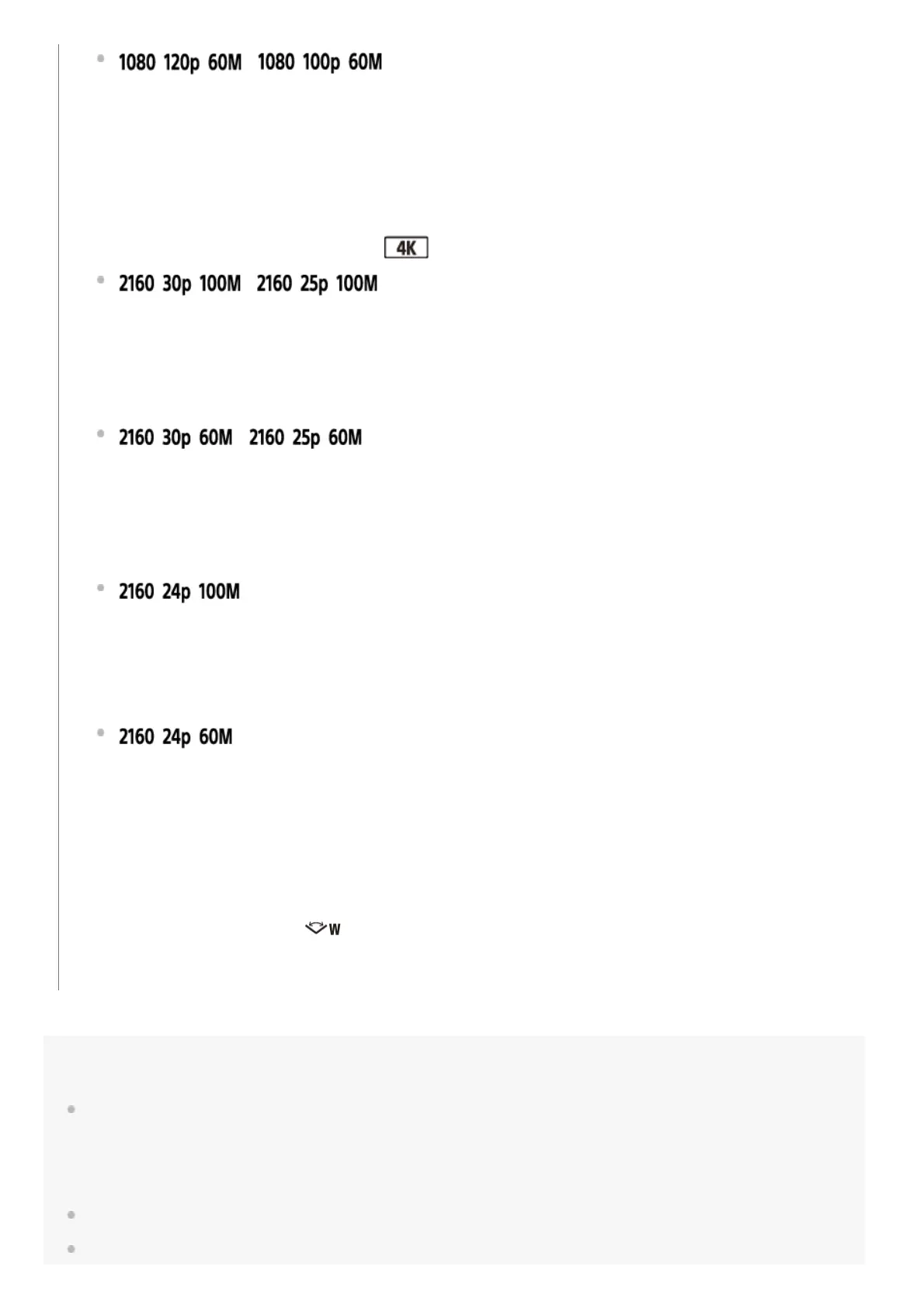
Recorded image: XAVC S 100 Mbps
Resolution: 3840×2160
Imaging frame rate
*1
: 30p/25p
Playback frame rate
*1
: 30p/25p
/
*4
Recorded image: XAVC S 60 Mbps
Resolution: 3840×2160
Imaging frame rate
*1
: 30p/25p
Playback frame rate
*1
: 30p/25p
*4
(only when switching NTSC/PAL is set to NTSC)
Recorded image: XAVC S 100 Mbps
Resolution: 3840×2160
Imaging frame rate: 24p
Playback frame rate: 24p
*4
(only when switching NTSC/PAL is set to NTSC)
Recorded image: XAVC S 60 Mbps
Resolution: 3840×2160
Imaging frame rate: 24p
Playback frame rate: 24p
Frame rate depends on the NTSC/PAL setting.
*1
SteadyShot is disabled. (HDR-AS50)
*2
Action Cam Movie Creator allows you to specify the smooth slow-motion playback section for editing.
*3
The angle of view is fixed to .
*4
Depending on your device and software, images will play at the standard speed of 60p/50p.
*5



 To Next Page