Note
“10f1s” (FDR-X3000/HDR-AS300), “8f1s” (HDR-AS50), “5f2s”, and “2f5s” are estimates of the maximum
speed. The maximum speed may not be reached depending on the shooting conditions.
[34] Changing the Settings
Shooting settings
Self-timer
You can use self-timer when shooting still images.
Note
You cannot use self-timer when recording movies.
The self-timer function is enabled until it is cancelled. Set the self-timer to
after you finish using it.
[35] Changing the Settings
Shooting settings
Time-lapse shooting interval
You can set the interval of the time-lapse shooting.
Press the MENU button.
1
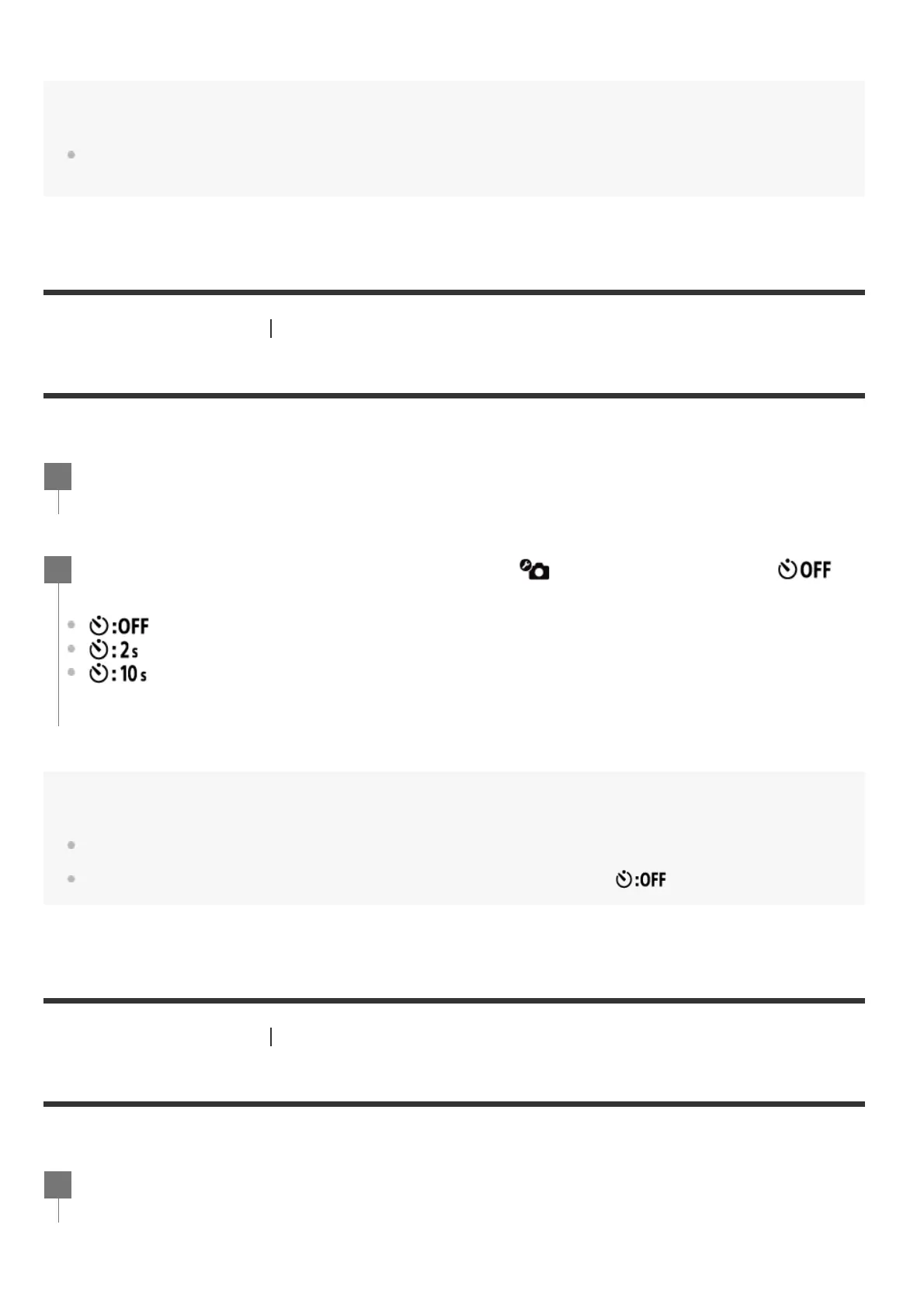
Press the UP button or DOWN button to select (Photo mode setting) -
(Self-timer) - setting item, then press the REC/ENTER button.
(Does not use self-timer)
(Sets the self-timer to 2-second)
(Sets the self-timer to 10-second)
2
Press the MENU button.
1



 To Next Page