[43] Changing the Settings
Shooting settings
Time-lapse AE mode
Set the adjustment method of automatic exposure (AE) during time-lapse capture.
[44] Changing the Settings
Shooting settings
Scene
You can select suitable image quality according to the shooting scene.
Note
If you select , you cannot set the white balance.
Use the supplied Underwater Housing for underwater shooting.
Press the MENU button.
1
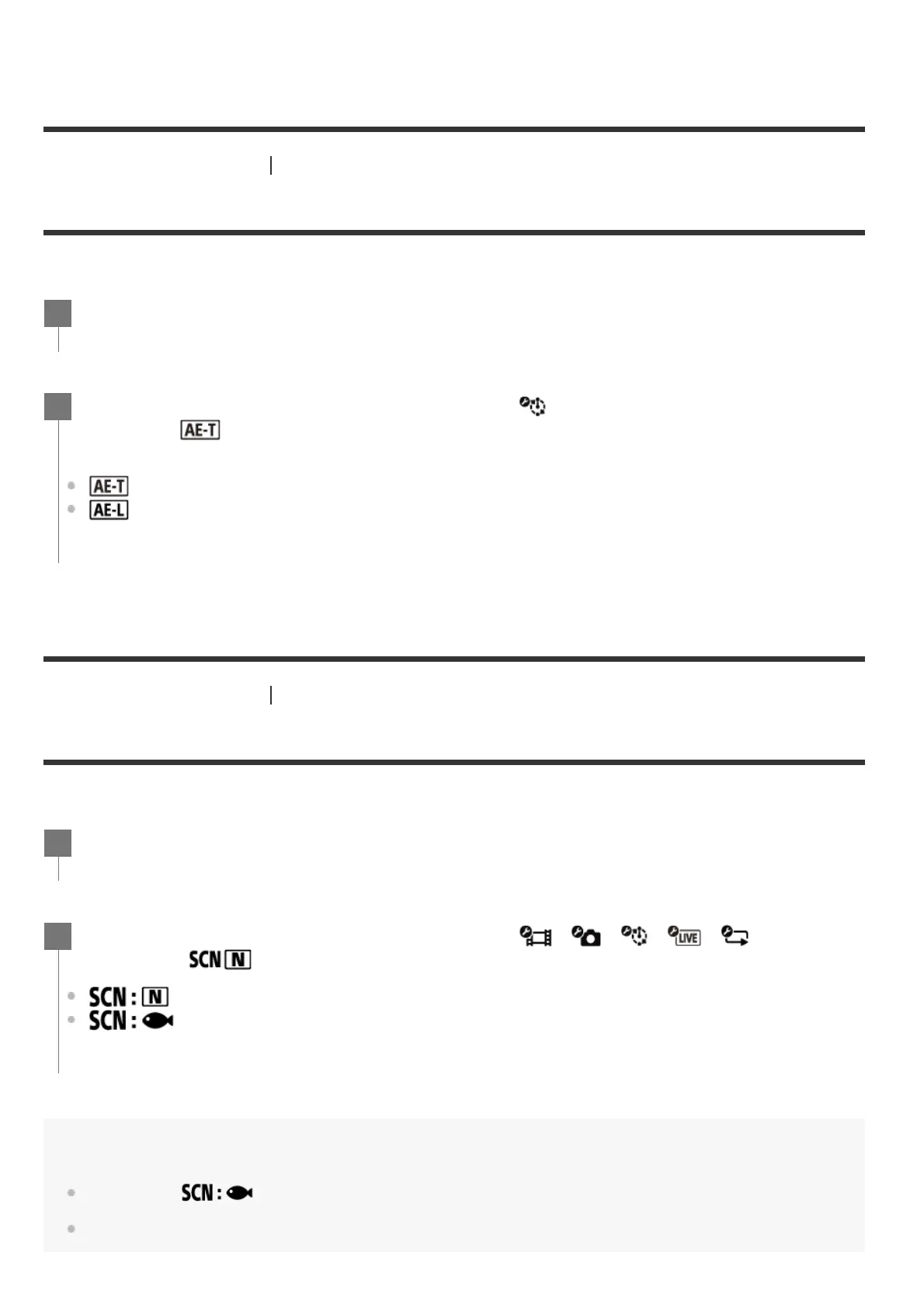
Press the UP button or DOWN button to select (Time-lapse capture mode
setting) -
(Time-lapse AE mode) - setting value, then press the REC/ENTER
button.
(Adjusts the exposure for each shot. Smoothly follows changes in brightness)
(Sets a fixed exposure when shooting starts)
2
Press the MENU button.
1
Press the UP button or DOWN button to select / / / / (Shooting
settings) -
(Scene) - setting value, then press the REC/ENTER button.
(Shoots images in the standard quality)
(Shoots images in an image quality suitable for underwater shooting)
2



 To Next Page