Note
If you shoot with , the image contrast may appear low. This is not a malfunction.
[47] Changing the Settings
Shooting settings
Audio recording setting
You can turn the audio recording setting ON/OFF.
[48] Changing the Settings
Shooting settings
Wind noise reduction
This function automatically cuts low-range wind noise while recording audio using the built-in
microphone.
Press the MENU button.
1
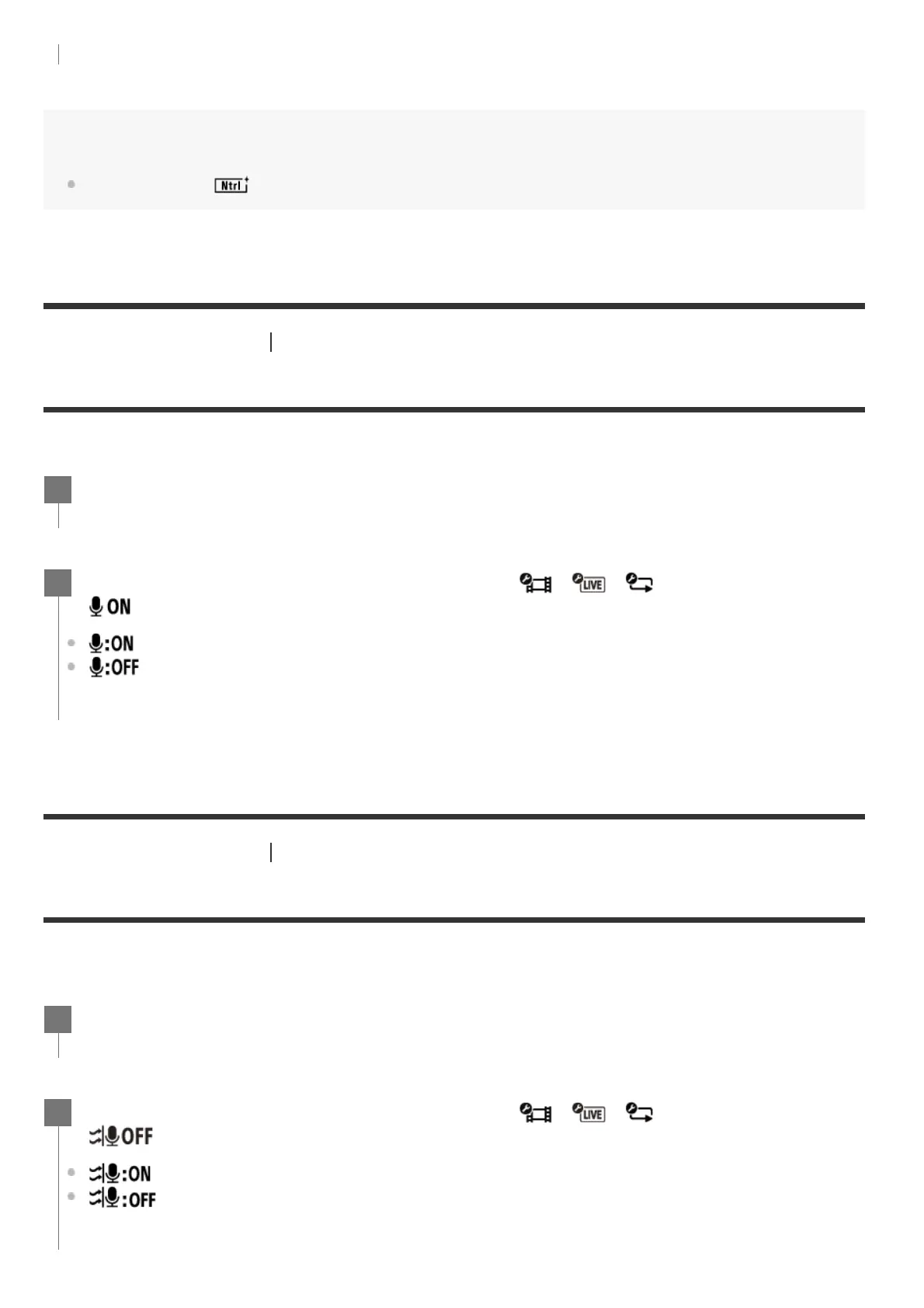
Press the UP button or DOWN button to select / / (Shooting settings) -
(Audio recording setting) - setting value, then press the REC/ENTER button.
(Records sound when shooting a movie)
(Does not record sound when shooting a movie)
2
Press the MENU button.
1
Press the UP button or DOWN button to select / / (Shooting settings) -
(Wind noise reduction) - setting value, then press the REC/ENTER button.
(Cuts low-range to reduce wind noise)
(Does not reduce wind noise)
2



 To Next Page