Note
When the image quality setting is MP4, the time code/user bit is not available.
Press the MENU button.
1
Press the UP button or DOWN button to select (Camera Settings) -
(Time code/user bit) - setting item, then press the REC/ENTER button.
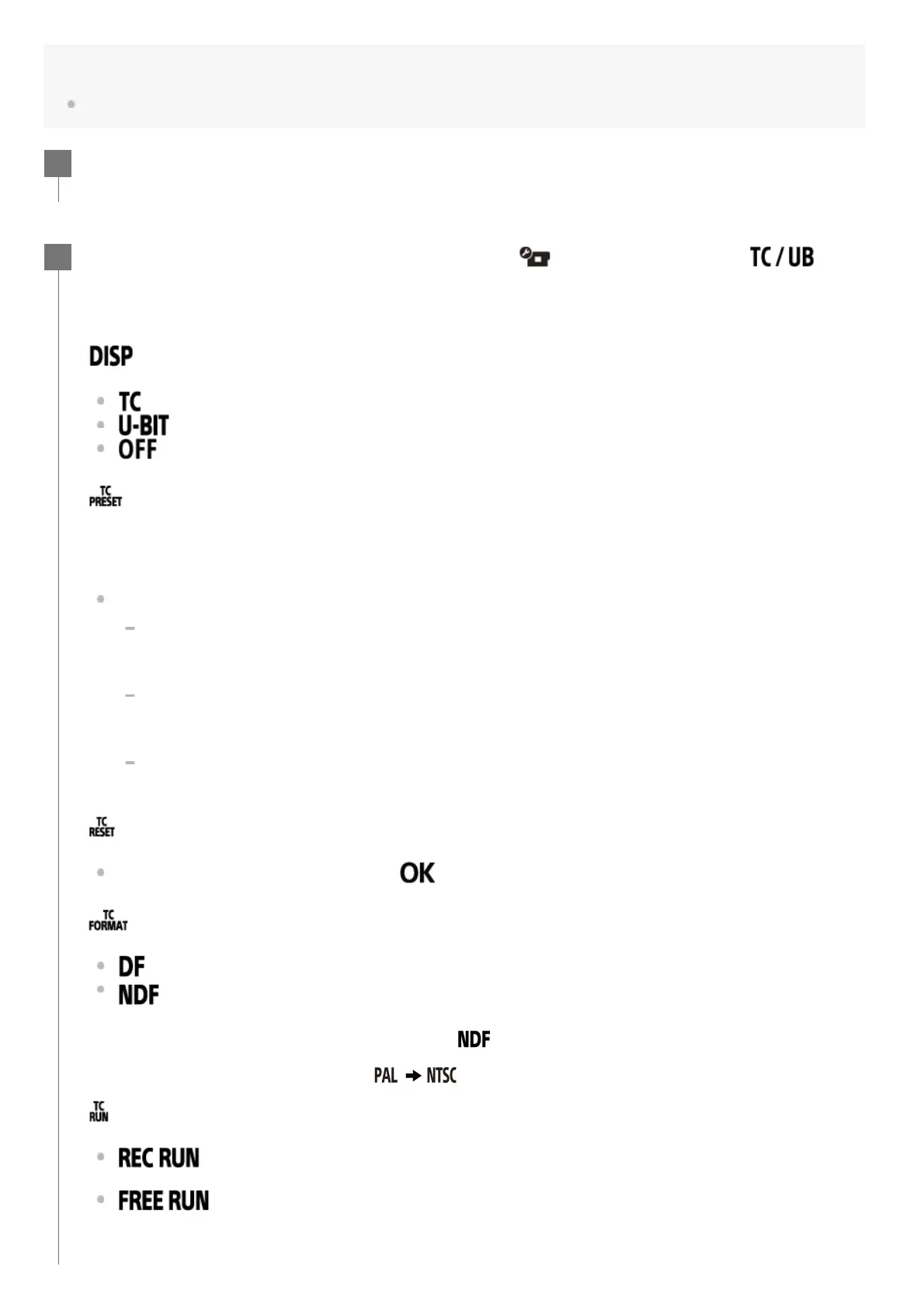
The set items and details are as follows.
(Displays the time code/user bit)
: Displays the time code.
: Displays the user bit.
: Does not display the time code/user bit.
(Sets the time code)
1. Press the UP button or DOWN button to select 2-digit numbers, then press the REC/ENTER
button.
2. Repeat step 1 until you set four 2-digit numbers, then return to the previous MENU.
The time code can be selected within the following range.
When selecting 30p or 60p
00:00:00:00 - 23:59:59:29
When selecting 25p or 50p
00:00:00:00 - 23:59:59:24
When selecting 24p, you can set the last 2 time code digits of the frames in multiples of
4, between 0 and 23.
(Resets the time code)
Reset is executed when you select
, then press REC/ENTER button.
(Selects the time code recording method)
: Records the time code in drop frame.
: Records the time code in non-drop frame.
*
(Sets the time code count up format)
: The time code advances only while recording XAVC S movies. It is recorded
sequentially from the time code on the image recorded last time.
: The time code advances sequentially, regardless of the operation of the
camera.
2
In the following situations, the time code is fixed to .
When the image quality is set to 24p.
When the NTSC/PAL switching is set to
.
*



 To Next Page