Open the PlayMemories Mobile of your smartphone and connect to the camera via
Wi-Fi.
Refer to “Connecting to your smartphone” to connect the camera to your smartphone.
1
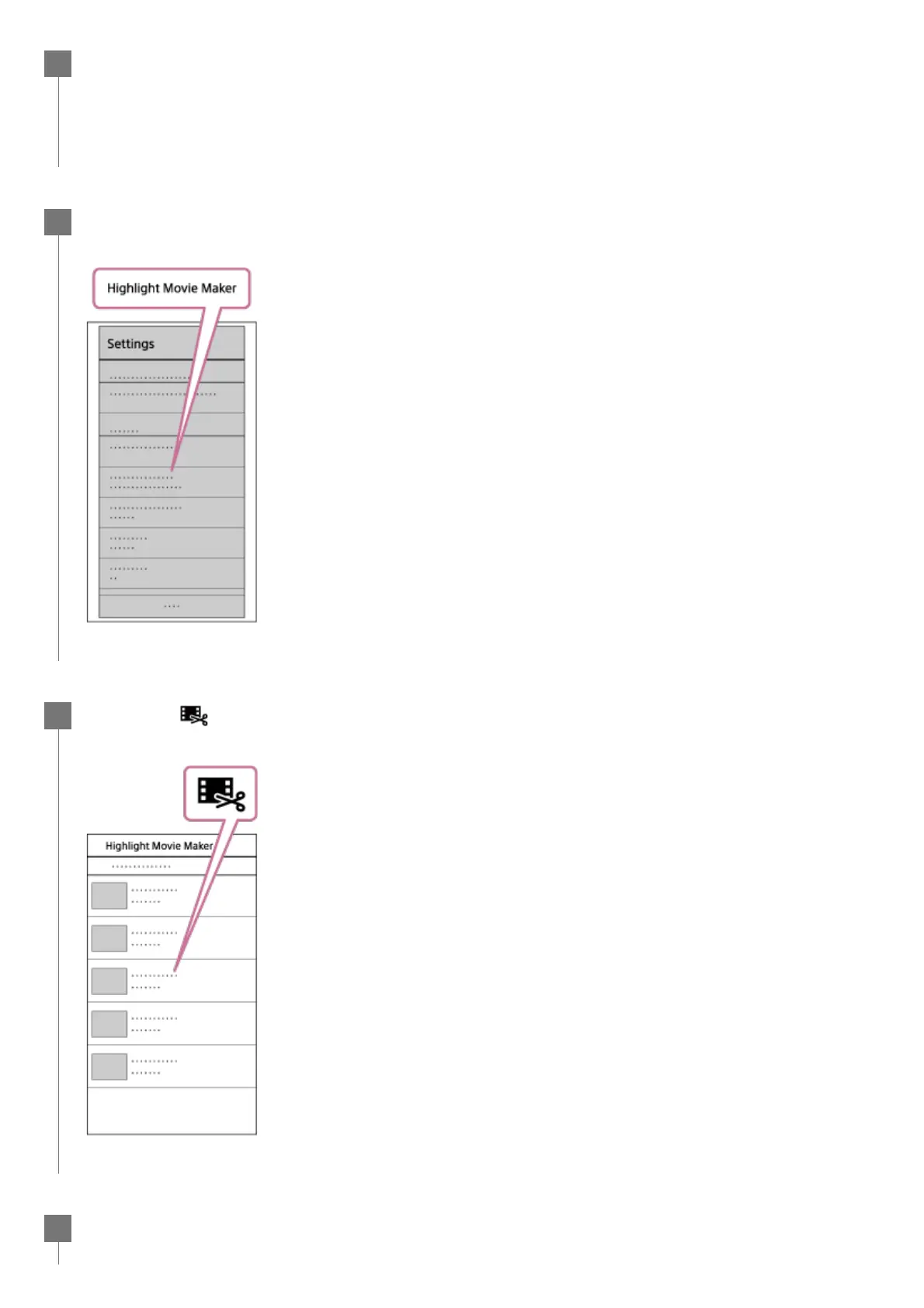
Select “Highlight Movie Maker” in “In-Camera Application Setting” from the
“Settings” of the PlayMemories Mobile.
2
Press the
icon to select a content format that you want to add in a highlight
movie.
3
Select a movie that you want to add in a highlight movie from the date or the
content list, then press the “Next” button.
4



 To Next Page