your smartphone or Wi-Fi router. Confirm it in advance.
Continuous streaming time
Continuous Live Streaming using the camera is limited to about 13 hours.
Restrictions of network connections
In some countries or regions, you cannot connect to Live Streaming sites. Use this function in
accordance with the laws of that country or region.
[80] Using the camera connected to other devices via Wi-Fi
Connecting to your smartphone
Preparation for connecting to your smartphone
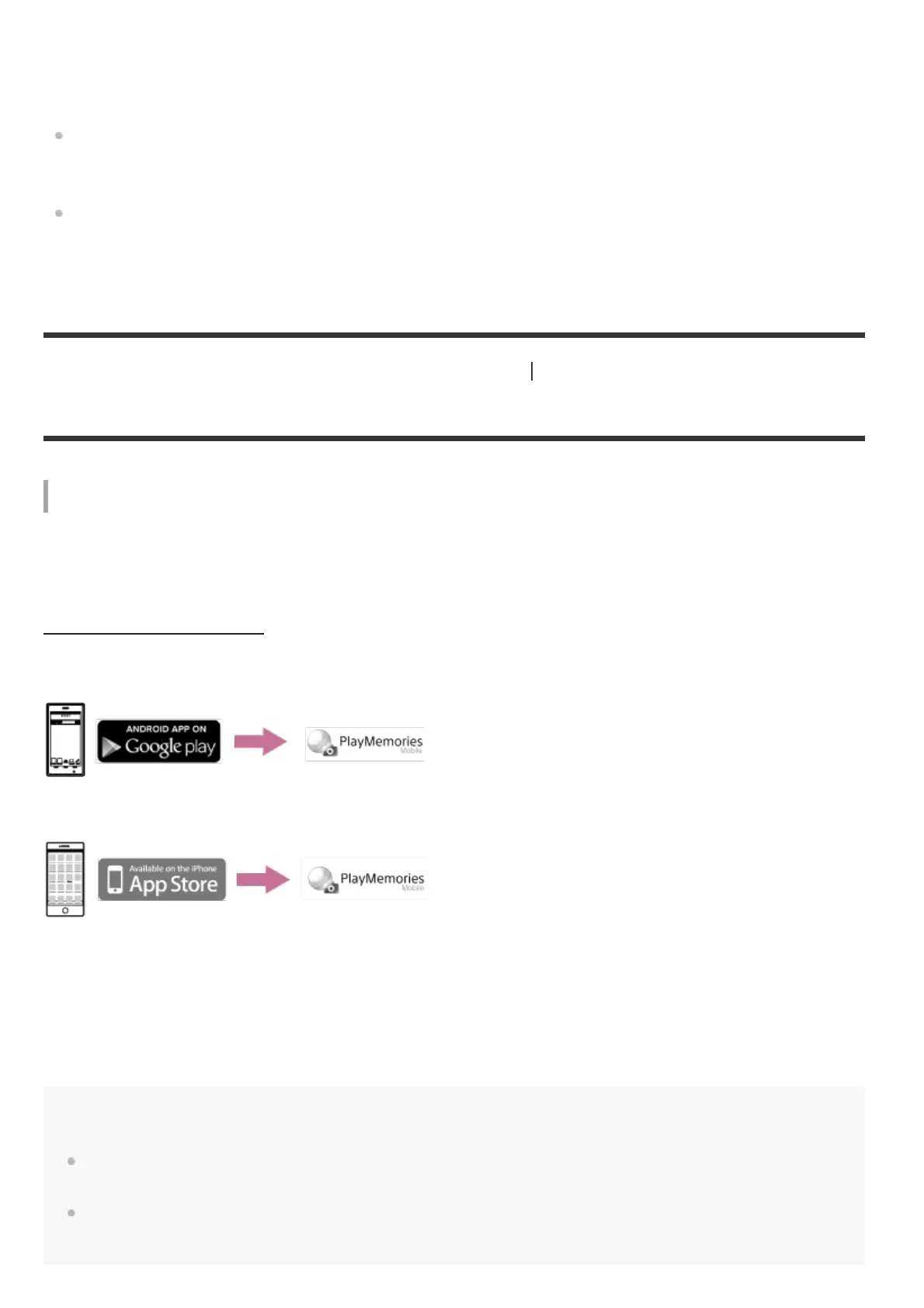
Installing the application on your smartphone
Install the PlayMemories Mobile on your smartphone. Update PlayMemories Mobile to the latest
version if you have already installed it on your smartphone.
For the latest information details about the functions of PlayMemories Mobile, refer to the website
below.
http://www.sony.net/pmm/
Search for PlayMemories Mobile on Google Play, then install it.
Search for PlayMemories Mobile on App Store, then install it.
If the password is lost
1. Connect the camera to a computer with the micro USB cable (supplied).
2. Turn on the camera.
3. Display [Compute] - [PMHOME] - [INFO] - [WIFI_INF.TXT] on your computer, then check the user
ID and password.
Note
Google play may not be supported depending on country or region. In this case, search for “PlayMemories
Mobile” on the internet then install it.
An NFC-enabled smartphone or tablet is required for using One-touch functions (NFC) (FDR-X3000/HDR-
AS300).



 To Next Page